Professional Email Signature Generator for Gmail and Outlook
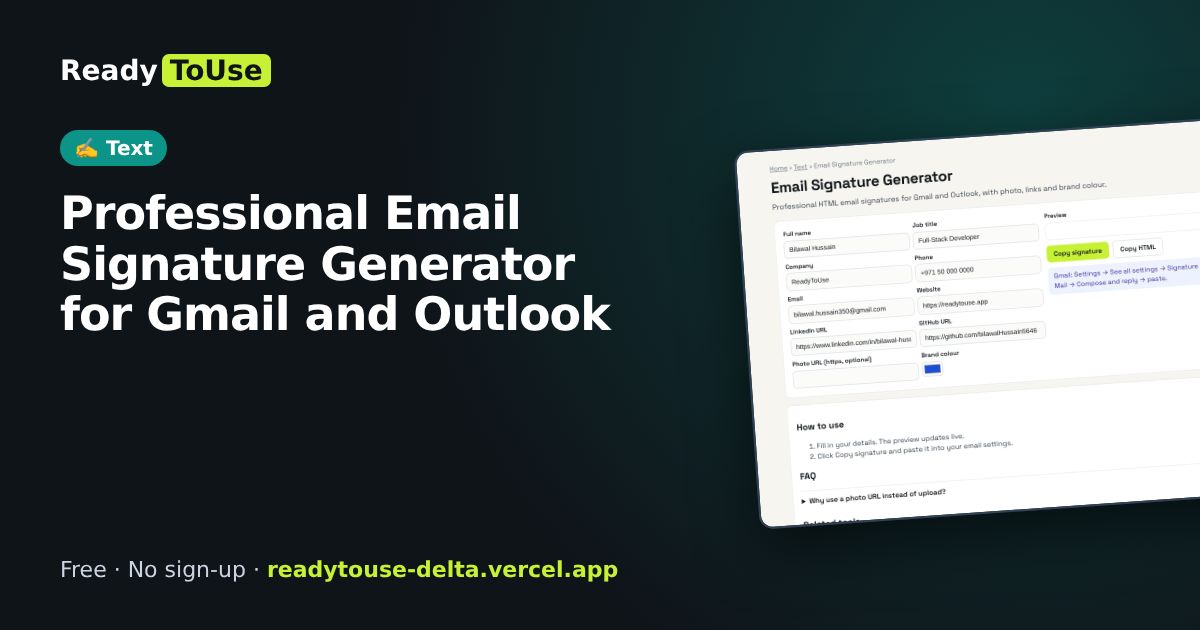
A clean email signature makes every email look professional. Create an HTML signature with your photo, title, links and brand colours, ready for Gmail and Outlook.
Open the free Email Signature Generator →What is the Email Signature Generator?
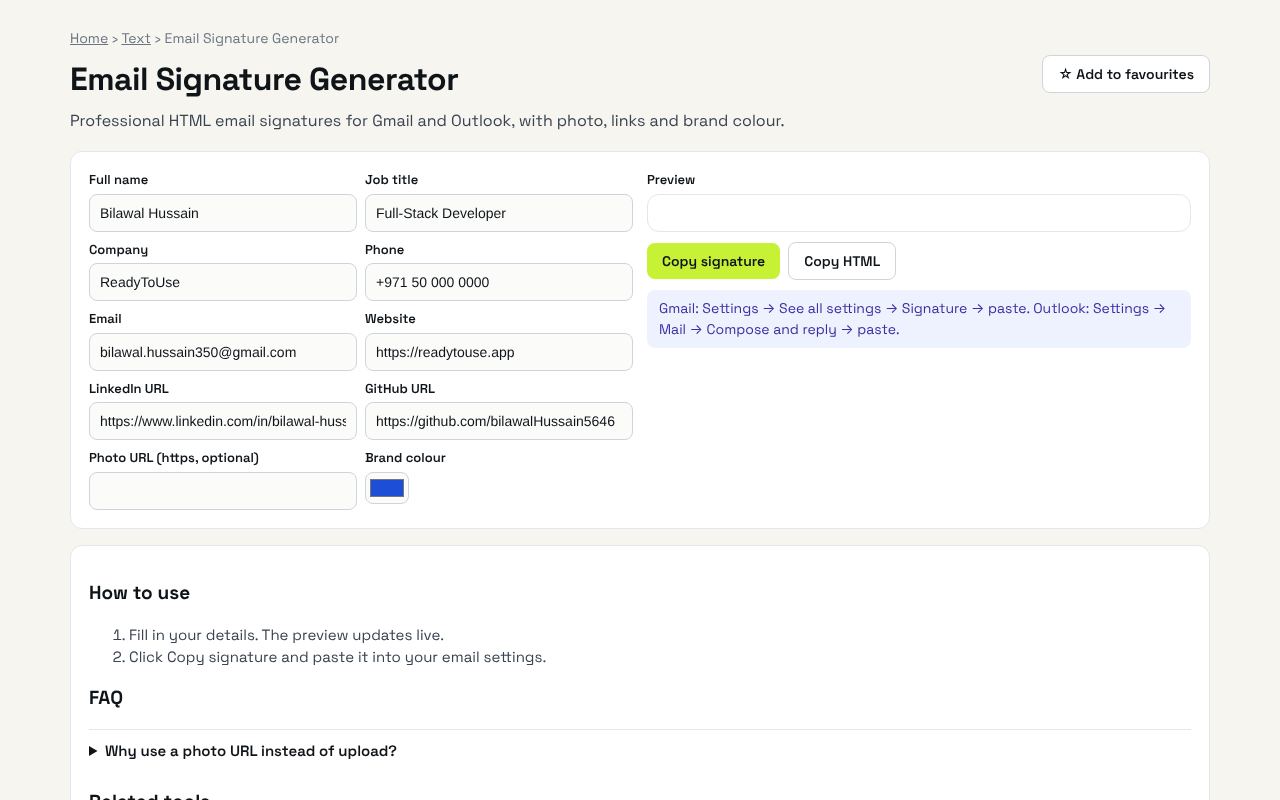
Professional HTML email signatures for Gmail and Outlook, with photo, links and brand colour. It's completely free, needs no sign-up and works on any phone or computer.
Why it's helpful
- Works in Gmail and Outlook
- Add photo, links and colours
- Copy and paste setup
Who it's for
Professionals, freelancers and small business teams.
How to use it
- Fill in your details. The preview updates live.
- Click Copy signature and paste it into your email settings.
💻 Open source: this tool is free and open source (MIT License). View the code on GitHub, download it and run it offline.
The bigger picture: Text
Writing is everywhere: posts, emails, essays and product pages. Simple text tools help you hit length limits, clean up content and write more clearly.
What's changing: With AI drafting more text, editing tools that check clarity, length and tone are becoming the final quality step.
Frequently asked questions
Why use a photo URL instead of upload?
Email signatures must load images from the web. Use your LinkedIn or website photo link.