Emoji Picker: Search and Copy Emojis in One Click

Find the right emoji fast by searching, then copy it, or build a string of several for posts and messages.
Open the free Emoji Picker & Copier →What is the Emoji Picker & Copier?
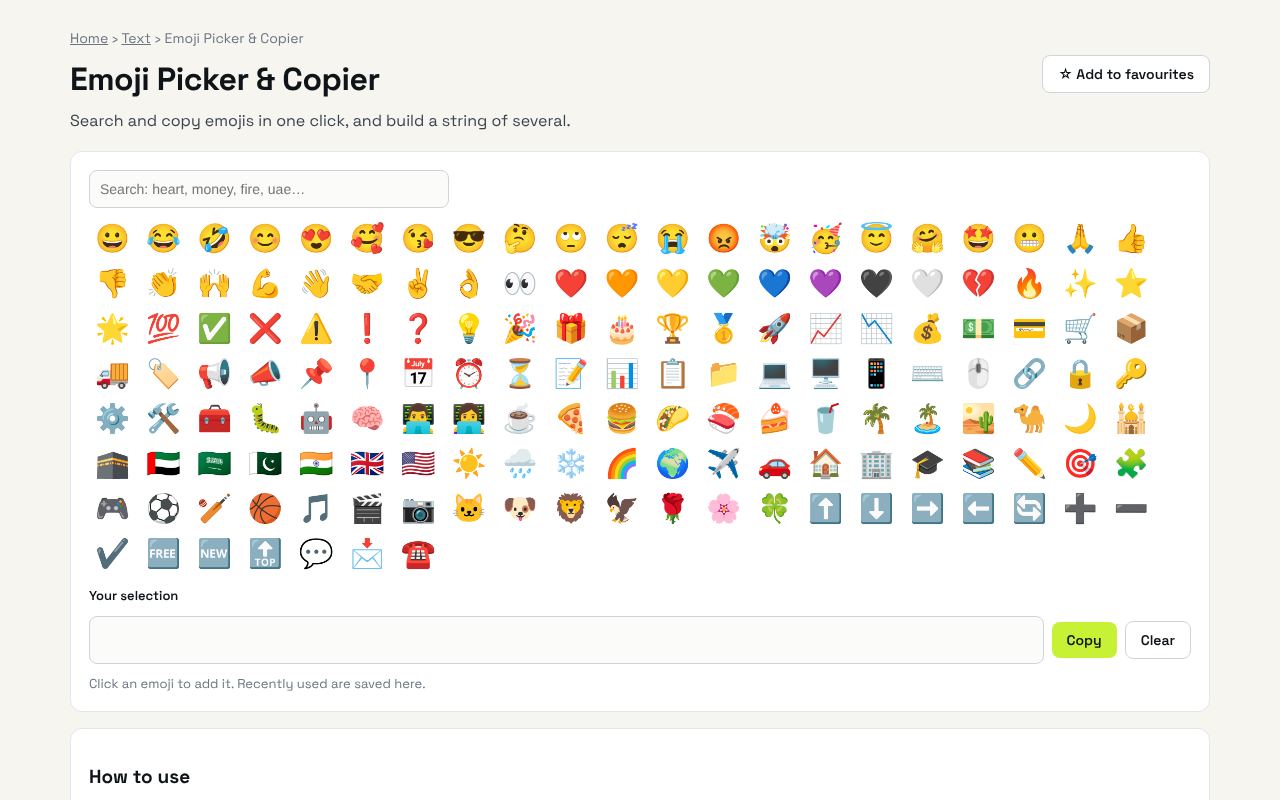
Search and copy emojis in one click, and build a string of several. It's completely free, needs no sign-up and works on any phone or computer.
Why it's helpful
- Search by name
- One-click copy
- Build emoji strings
Who it's for
Social media users, marketers and anyone on a computer without an emoji keyboard.
How to use it
- Search or browse, click emojis to collect them, then copy.
💻 Open source: this tool is free and open source (MIT License). View the code on GitHub, download it and run it offline.
The bigger picture: Text
Writing is everywhere: posts, emails, essays and product pages. Simple text tools help you hit length limits, clean up content and write more clearly.
What's changing: With AI drafting more text, editing tools that check clarity, length and tone are becoming the final quality step.
Frequently asked questions
Will emojis look the same everywhere?
The meaning is the same, but each phone maker draws them differently.