Heading Checker: See Your Page's H1–H6 Outline
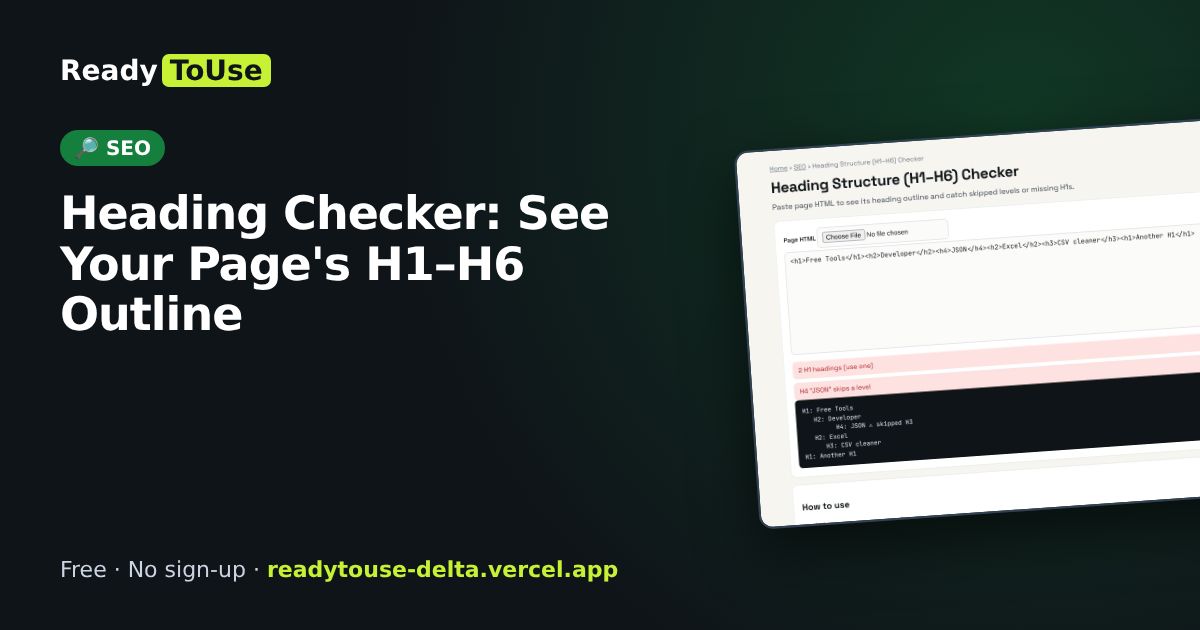
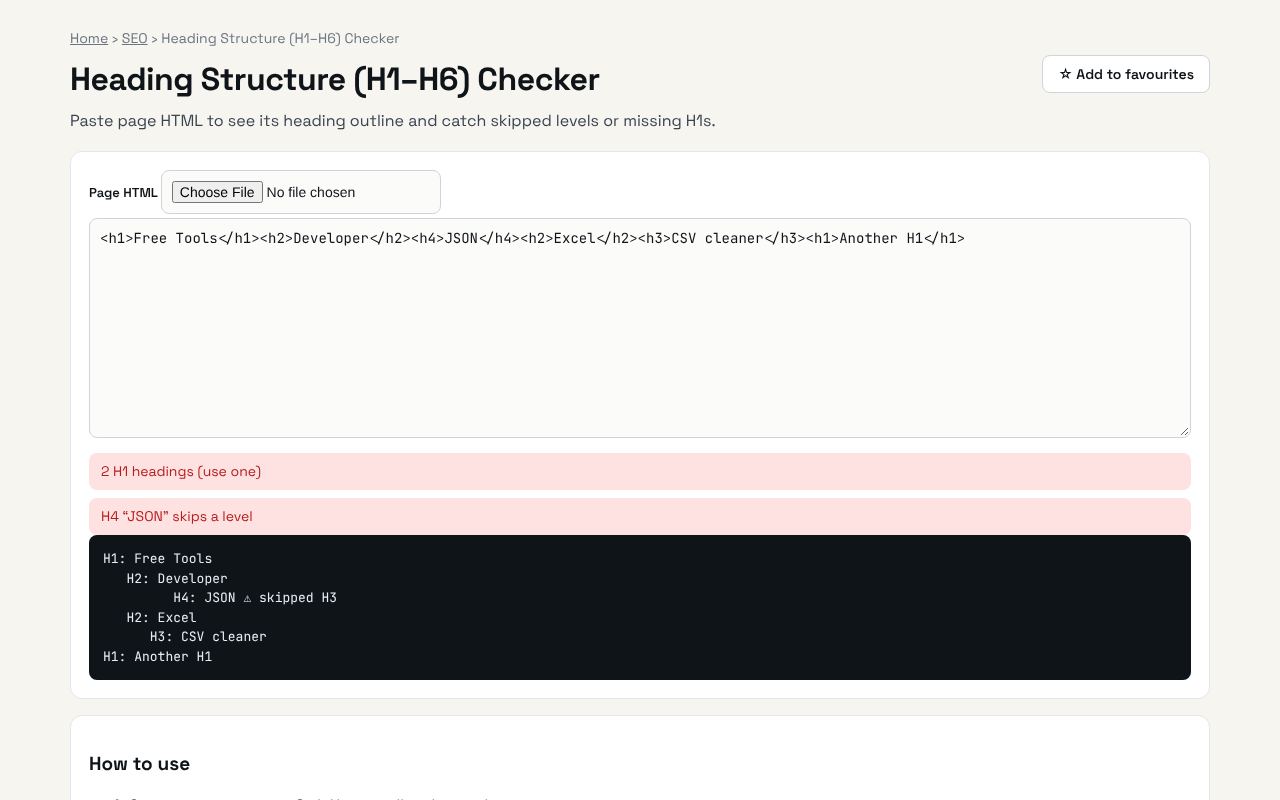
Headings help readers and search engines understand a page. Paste your HTML to see the heading outline and catch missing H1s or skipped levels.
Open the free Heading Structure (H1–H6) Checker →What is the Heading Structure?
Paste page HTML to see its heading outline and catch skipped levels or missing H1s. It's completely free, needs no sign-up and works on any phone or computer.
Why it's helpful
- Visual heading outline
- Flags missing or multiple H1s
- Spots skipped levels
Who it's for
SEO specialists, bloggers and web developers.
How to use it
- Open your page, press Ctrl+U, copy all and paste here.
💻 Open source: this tool is free and open source (MIT License). View the code on GitHub, download it and run it offline.
The bigger picture: SEO
Search is still one of the biggest free sources of website traffic. Getting titles, sitemaps, structured data and redirects right helps search engines understand and rank your pages.
What's changing: Search engines and AI assistants increasingly read structured data and clean page structure to answer questions directly, so technical SEO basics matter more than ever.
Frequently asked questions
Can I have more than one H1?
HTML allows it, but one clear H1 per page is the safest SEO practice.