How to Format and Validate JSON Online (and Find the Exact Error)
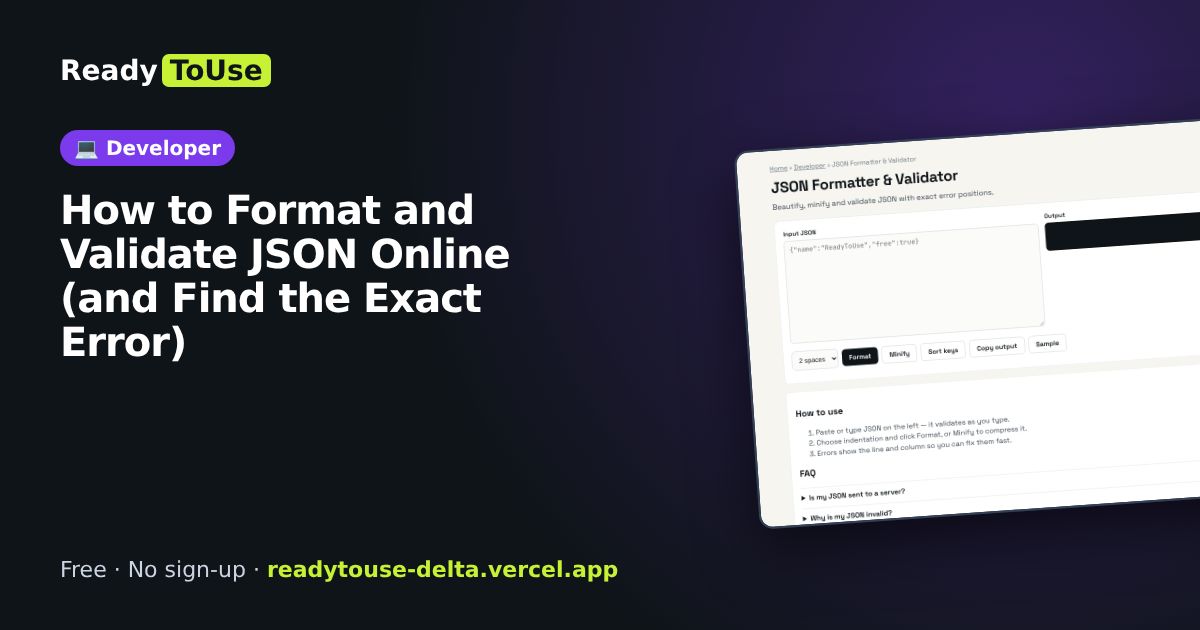
A single missing comma can break an API response, a config file or a whole deployment. The free JSON Formatter makes messy JSON readable in one click and points to the exact line and column where it breaks.
Open the free JSON Formatter & Validator →What is the JSON Formatter & Validator?
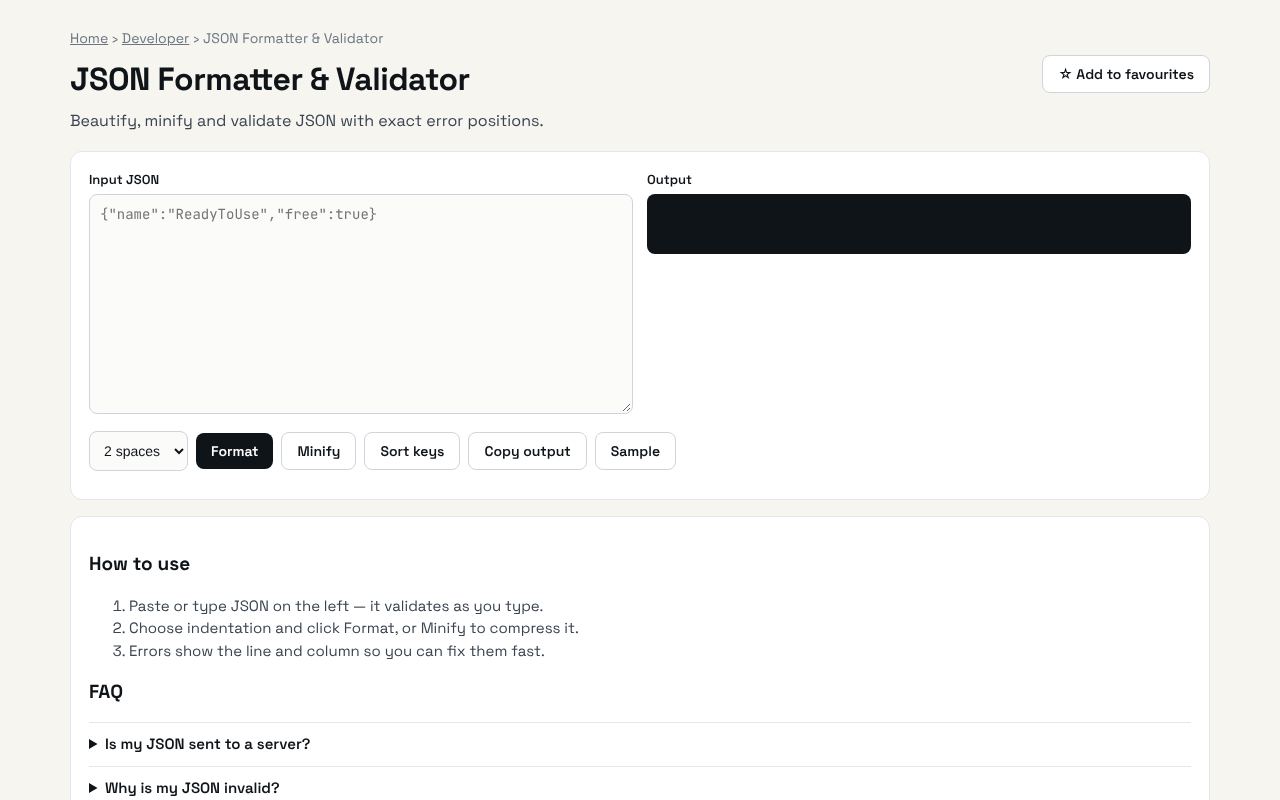
Beautify, minify and validate JSON with exact error positions. It's completely free, needs no sign-up and works on any phone or computer.
Why it's helpful
- Pretty-prints minified JSON so you can actually read nested objects
- Shows the exact position of syntax errors instead of a vague 'invalid JSON'
- Minifies JSON back down when you need a compact payload
Who it's for
Developers, QA testers, data analysts and anyone pasting API responses.
How to use it
- Paste or type JSON on the left — it validates as you type.
- Choose indentation and click Format, or Minify to compress it.
- Errors show the line and column so you can fix them fast.
💻 Open source: this tool is free and open source (MIT License). View the code on GitHub, download it and run it offline.
The bigger picture: Developer
Developers lose a surprising amount of time to small tasks: formatting data, decoding tokens, converting between formats and checking syntax. Fast in-browser tools keep you in flow and keep sensitive data off third-party servers.
What's changing: JSON is still the default format for APIs and AI tools: most AI models now return structured JSON output, which makes quick validation even more useful.
Frequently asked questions
Is my JSON sent to a server?
No. Everything runs in your browser.
Why is my JSON invalid?
Common causes: trailing commas, single quotes instead of double quotes, or unquoted keys.