Kids Drawing Pad: Draw and Paint Online with Stickers
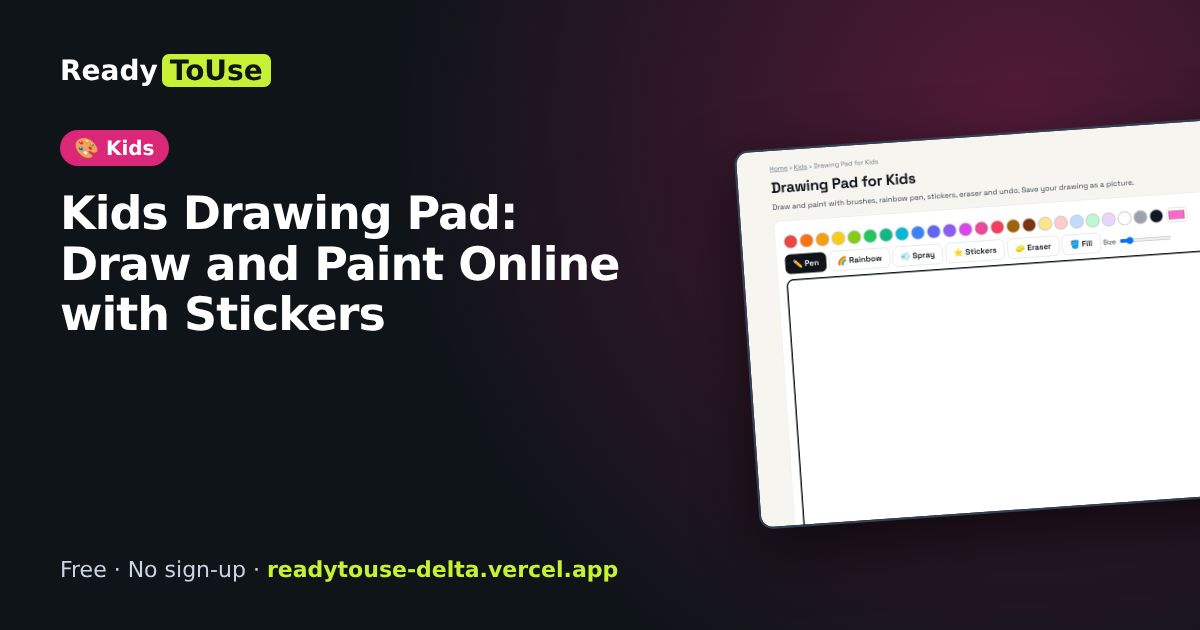
A simple drawing pad with brushes, a rainbow pen, stickers, eraser and undo. Kids can save their drawing as a picture.
Open the free Drawing Pad for Kids →What is the Drawing Pad for Kids?
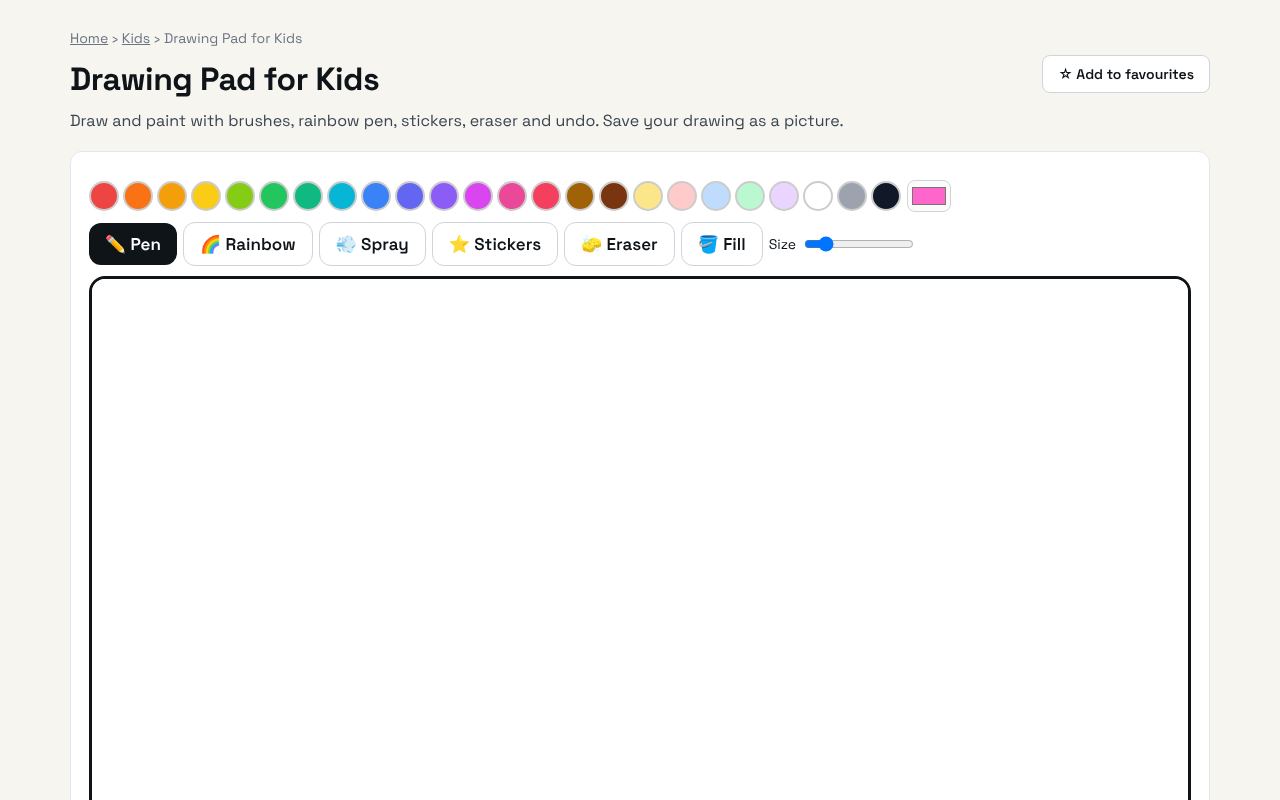
Draw and paint with brushes, rainbow pen, stickers, eraser and undo. Save your drawing as a picture. It's completely free, needs no sign-up and works on any phone or computer.
Why it's helpful
- Kid-friendly tools
- Stickers and rainbow pen
- Save drawings as images
Who it's for
Children, parents and teachers.
How to use it
- Choose a colour and a tool: pen, rainbow, spray, stickers, eraser or fill bucket.
- Draw with your finger or mouse. Undo up to 25 steps.
- Save your drawing as a picture.
💻 Open source: this tool is free and open source (MIT License). View the code on GitHub, download it and run it offline.
The bigger picture: Kids
Good screen time is active screen time. Drawing, colouring, puzzles and learning games build creativity and early skills, and printable activities give families a screen-free option too. Everything here is free, ad-free and needs no account.
What's changing: Parents and schools increasingly look for safe, ad-free learning tools and printable activities that mix screen time with hands-on play.
Frequently asked questions
Does it work on tablets?
Yes. It works with fingers and styluses.