Morse Code Translator with Sound and Flashing Light
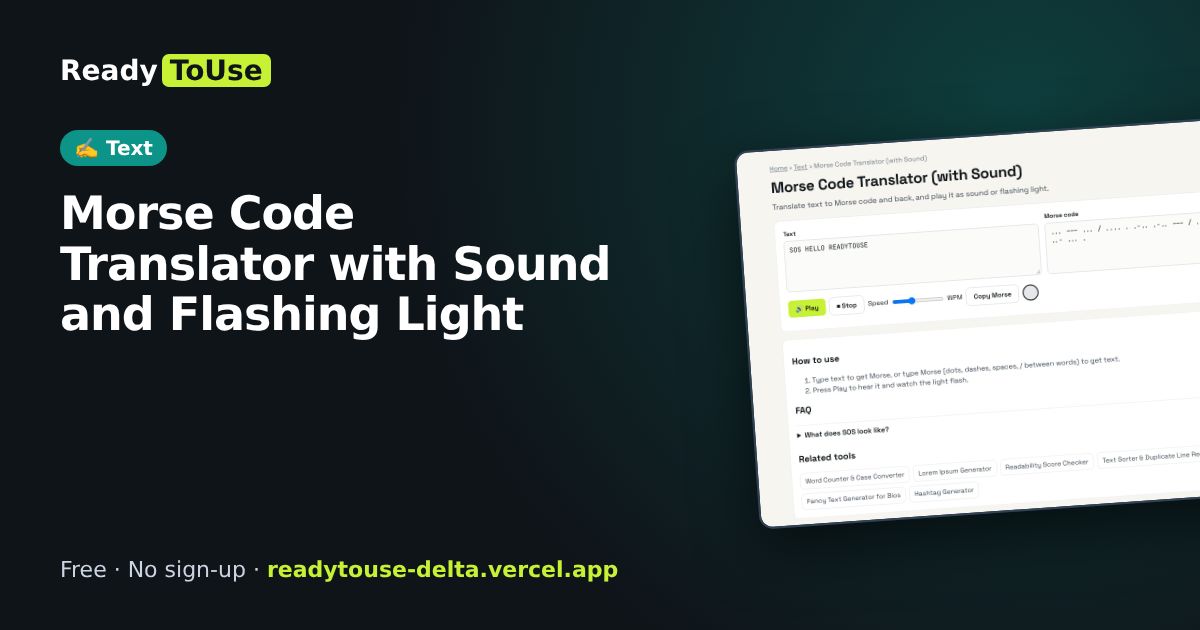
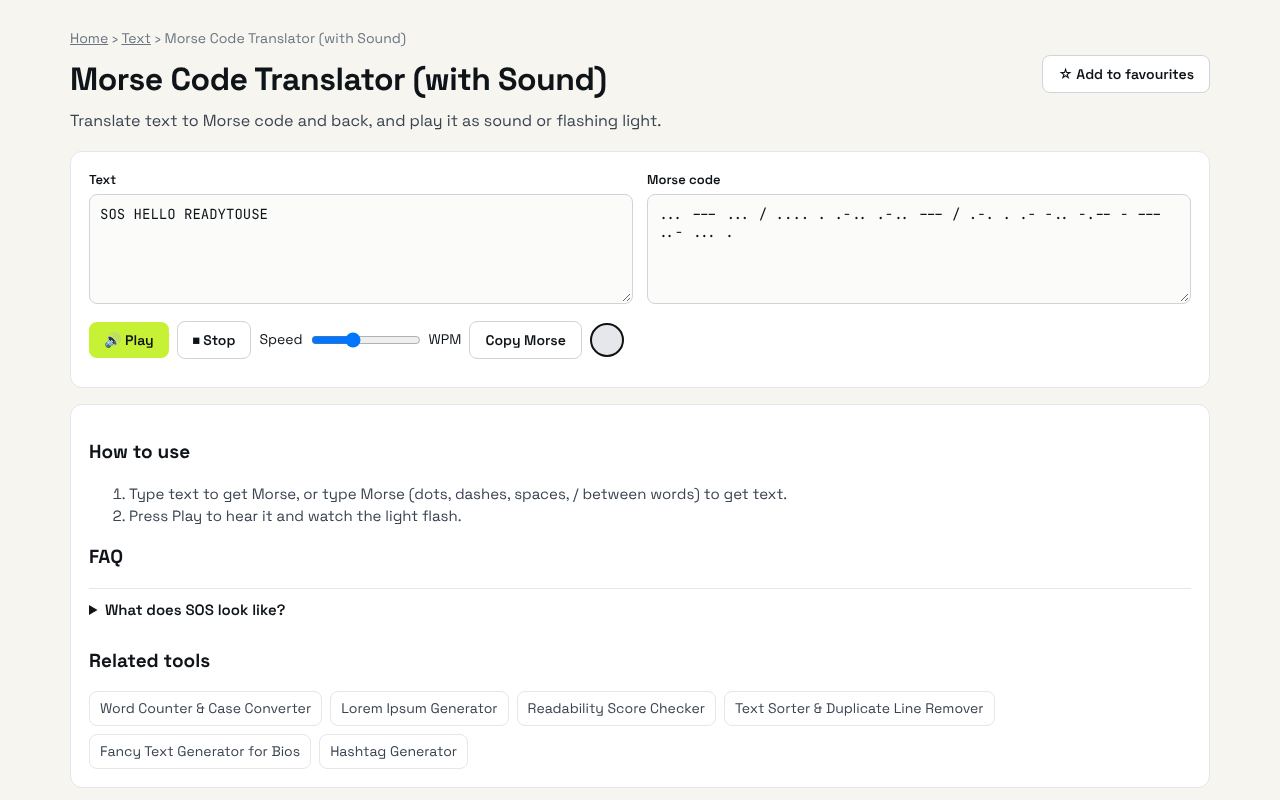
Translate text to Morse code and back, and play it as sound or a flashing light.
Open the free Morse Code Translator (with Sound) →What is the Morse Code Translator?
Translate text to Morse code and back, and play it as sound or flashing light. It's completely free, needs no sign-up and works on any phone or computer.
Why it's helpful
- Two-way translation
- Audio playback
- Flashing light mode
Who it's for
Students, scouts, radio hobbyists and the curious.
How to use it
- Type text to get Morse, or type Morse (dots, dashes, spaces, / between words) to get text.
- Press Play to hear it and watch the light flash.
💡 Pro tip: SOS is ··· --- ···, the most famous Morse message.
💻 Open source: this tool is free and open source (MIT License). View the code on GitHub, download it and run it offline.
The bigger picture: Text
Writing is everywhere: posts, emails, essays and product pages. Simple text tools help you hit length limits, clean up content and write more clearly.
What's changing: With AI drafting more text, editing tools that check clarity, length and tone are becoming the final quality step.
Frequently asked questions
What does SOS look like?
... --- ...