Prompt Builder: Write Better Prompts for Claude, ChatGPT and Gemini
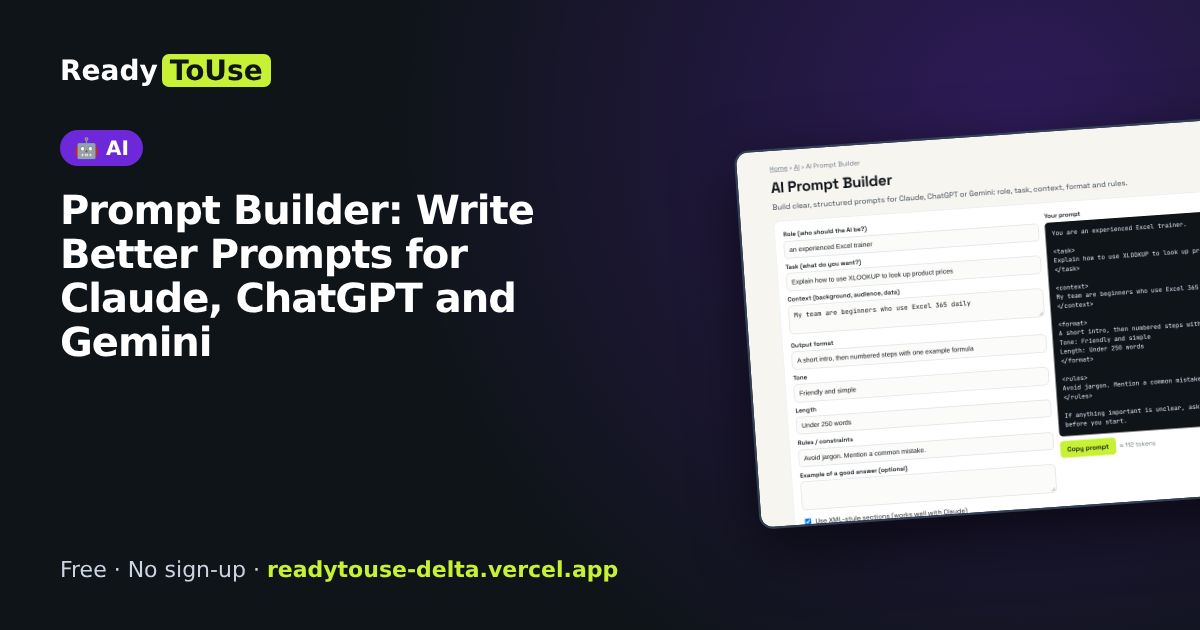
Vague prompts get vague answers. Build a clear, structured prompt with a role, task, context, format and examples, and get noticeably better results from AI assistants.
Open the free AI Prompt Builder →What is the AI Prompt Builder?
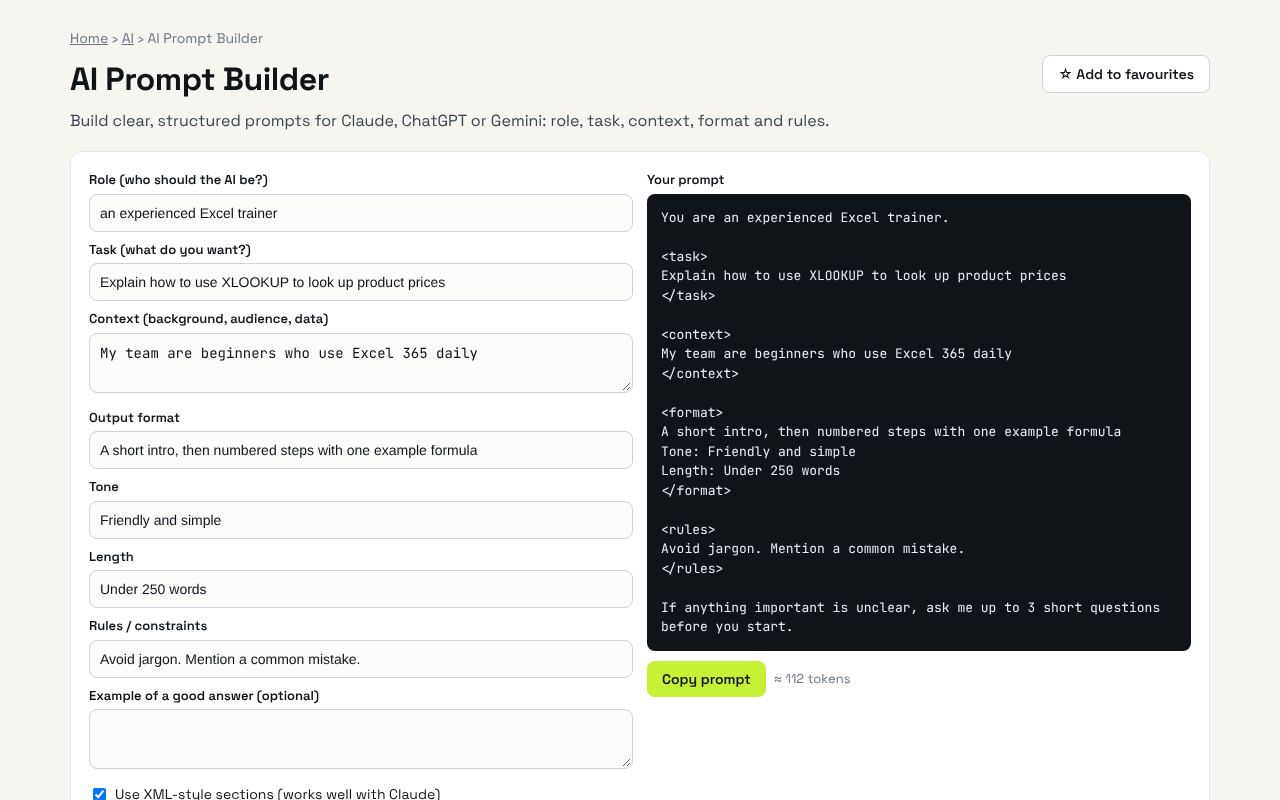
Build clear, structured prompts for Claude, ChatGPT or Gemini: role, task, context, format and rules. It's completely free, needs no sign-up and works on any phone or computer.
Why it's helpful
- Structured prompt template
- Works with all major AI assistants
- Copy with one click
Who it's for
Anyone using AI at work or for study.
How to use it
- Fill in as many fields as you can. Role, task and format matter most.
- Copy the prompt into any AI chat.
💻 Open source: this tool is free and open source (MIT License). View the code on GitHub, download it and run it offline.
The bigger picture: AI
AI assistants like Claude, ChatGPT and Gemini can save hours, but results depend on how you use them. Good prompts, the right tool and an eye on costs make the difference.
What's changing: As AI models get more capable, clear instructions and good context matter more than clever tricks.
Frequently asked questions
Why structure prompts?
Clear sections reduce guessing, so answers are more accurate and better formatted.