Shopify CSV Validator: Fix Product Import Errors Before Uploading
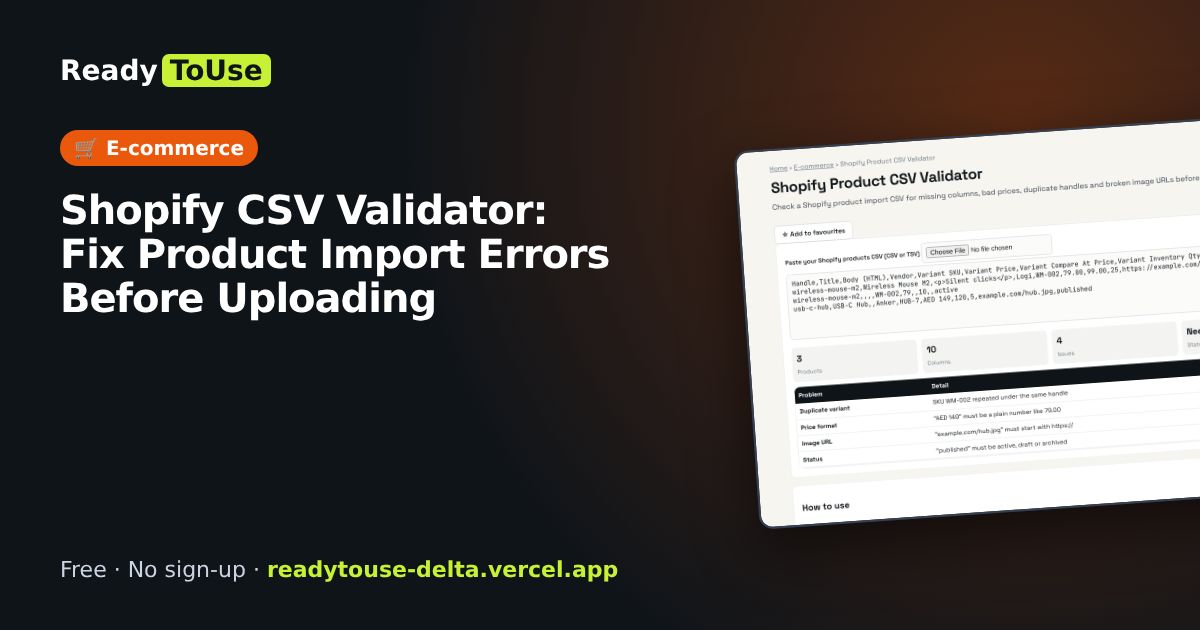
Shopify imports fail on missing columns, bad prices and duplicate handles. Check your product CSV first and fix problems before they reach your store.
Open the free Shopify Product CSV Validator →What is the Shopify Product CSV Validator?
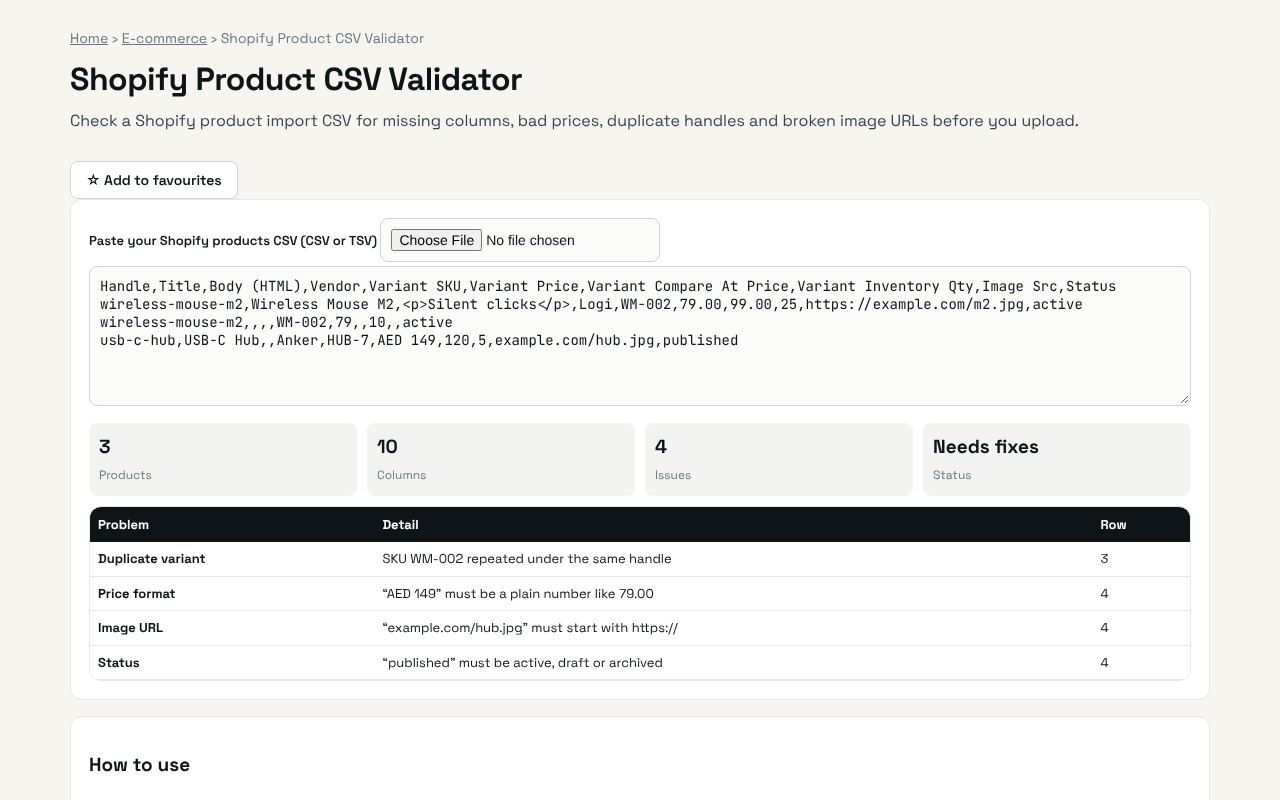
Check a Shopify product import CSV for missing columns, bad prices, duplicate handles and broken image URLs before you upload. It's completely free, needs no sign-up and works on any phone or computer.
Why it's helpful
- Checks required columns
- Finds bad prices and duplicate handles
- Clear list of fixes
Who it's for
Shopify store owners and e-commerce teams.
How to use it
- Export or prepare your products CSV and paste it, or load the file.
- Fix every issue before importing in Shopify Admin → Products → Import.
💻 Open source: this tool is free and open source (MIT License). View the code on GitHub, download it and run it offline.
The bigger picture: E-commerce
Online selling in the UAE and GCC is growing fast on Amazon.ae, Noon, Shopify and Salla. Margins are thin, so knowing your real costs, fees and conversion numbers is the difference between growing and quietly losing money.
What's changing: Marketplaces and ad platforms keep raising fees and ad costs, so sellers are focusing more on profit per order, repeat customers and their own stores rather than revenue alone.
Frequently asked questions
Why do variant rows have empty titles?
In Shopify CSVs, extra variant or image rows repeat the Handle and leave Title blank. That is allowed.