Free Text to Speech: Read Text Aloud in Your Browser
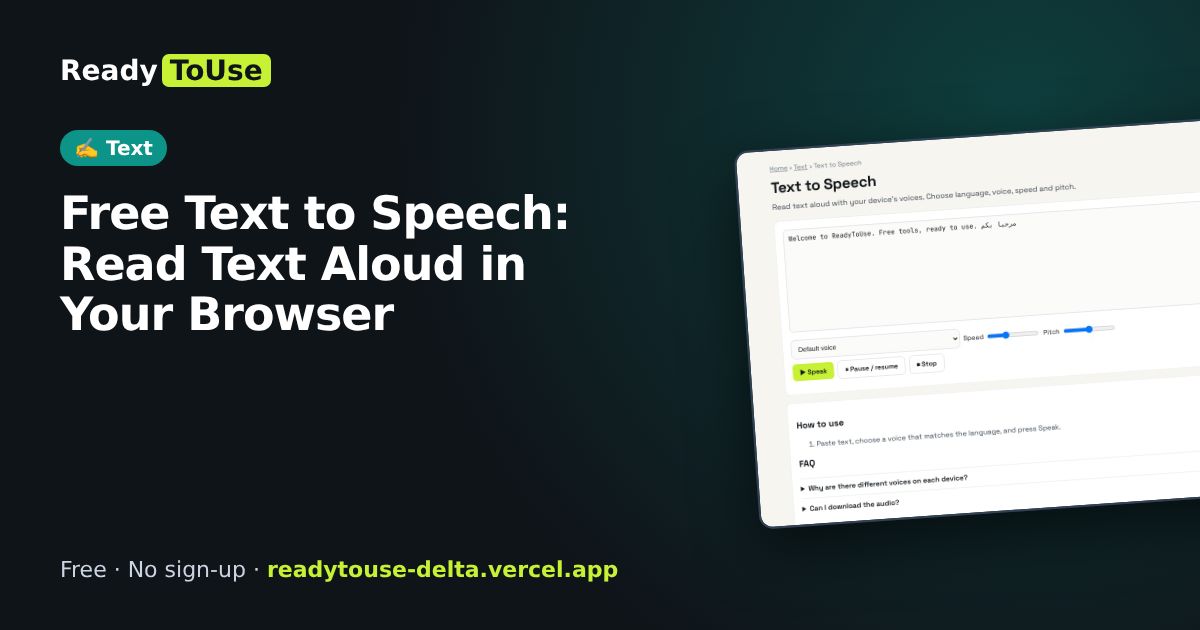
Listen to articles, check your writing by ear or help a child read along. Choose a language, voice, speed and pitch from the voices on your device.
Open the free Text to Speech →What is the Text to Speech?
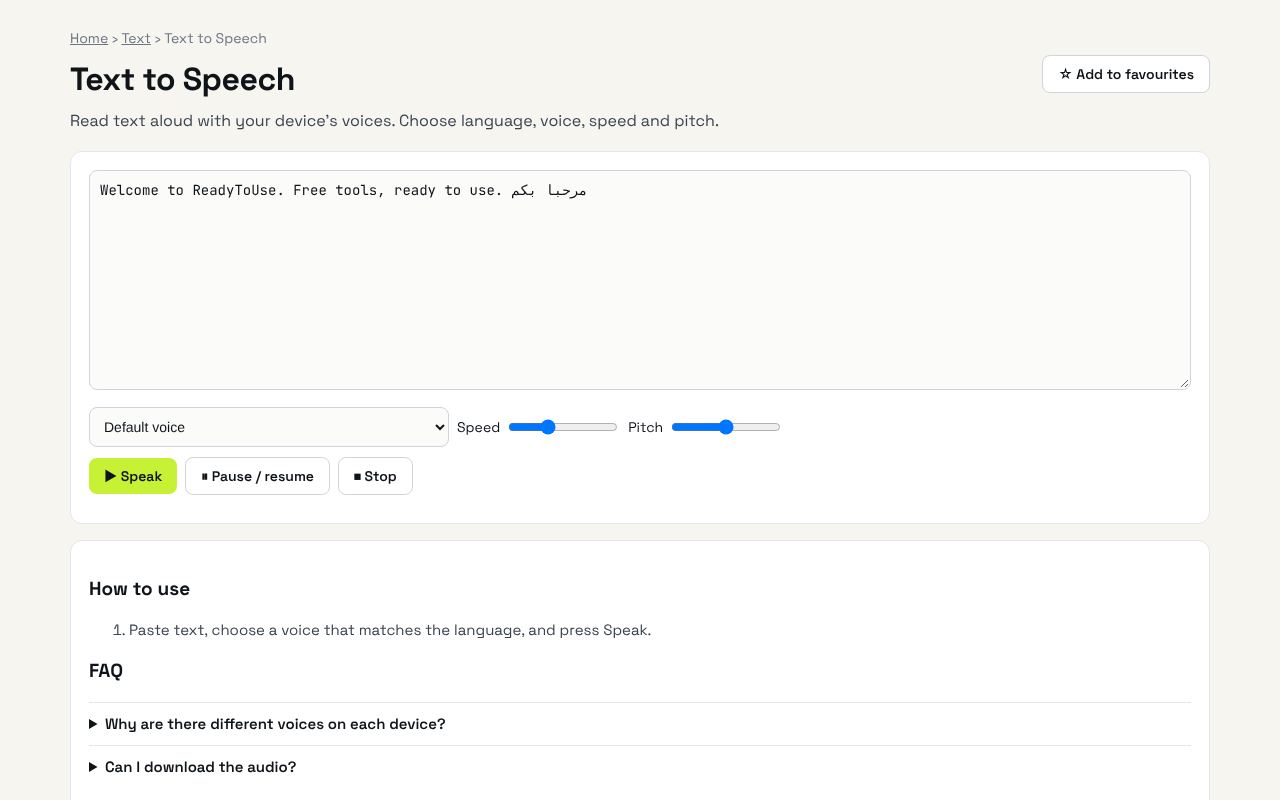
Read text aloud with your device's voices. Choose language, voice, speed and pitch. It's completely free, needs no sign-up and works on any phone or computer.
Why it's helpful
- Uses your device's built-in voices
- Adjust speed and pitch
- Many languages, including Arabic where available
Who it's for
Students, writers, language learners and people who prefer listening.
How to use it
- Paste text, choose a voice that matches the language, and press Speak.
💻 Open source: this tool is free and open source (MIT License). View the code on GitHub, download it and run it offline.
The bigger picture: Text
Writing is everywhere: posts, emails, essays and product pages. Simple text tools help you hit length limits, clean up content and write more clearly.
What's changing: With AI drafting more text, editing tools that check clarity, length and tone are becoming the final quality step.
Frequently asked questions
Why are there different voices on each device?
Voices come from your operating system. Windows, macOS, Android and iOS each have their own.
Can I download the audio?
Browsers don't allow recording these voices, so it plays only.