Flashcard Maker: Study on Screen or Print
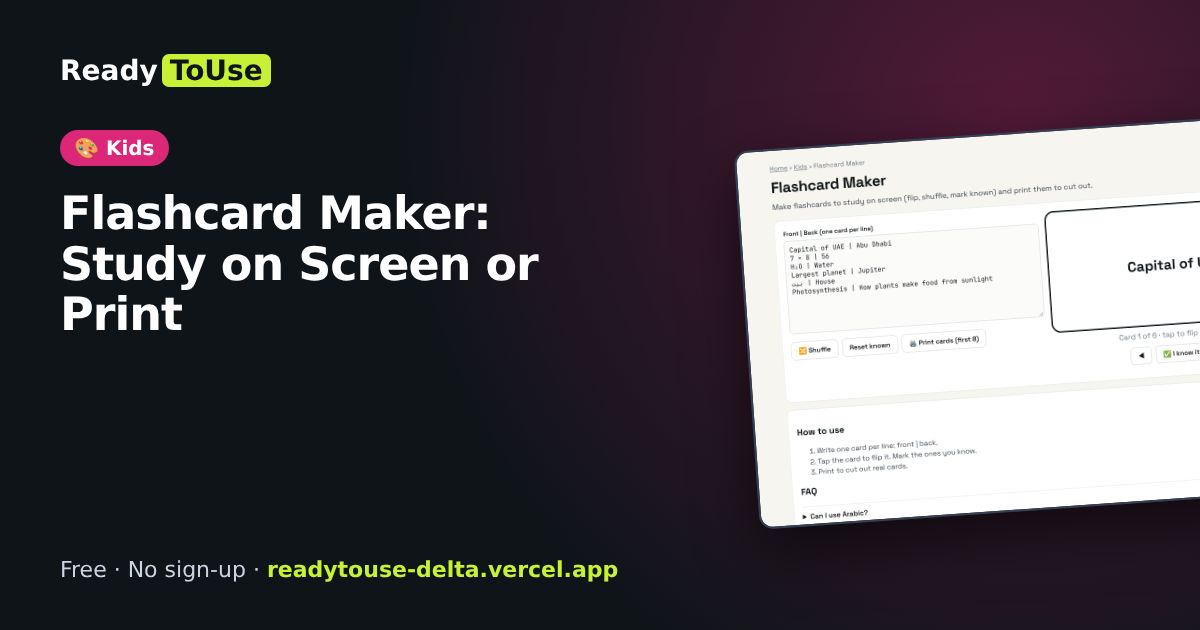
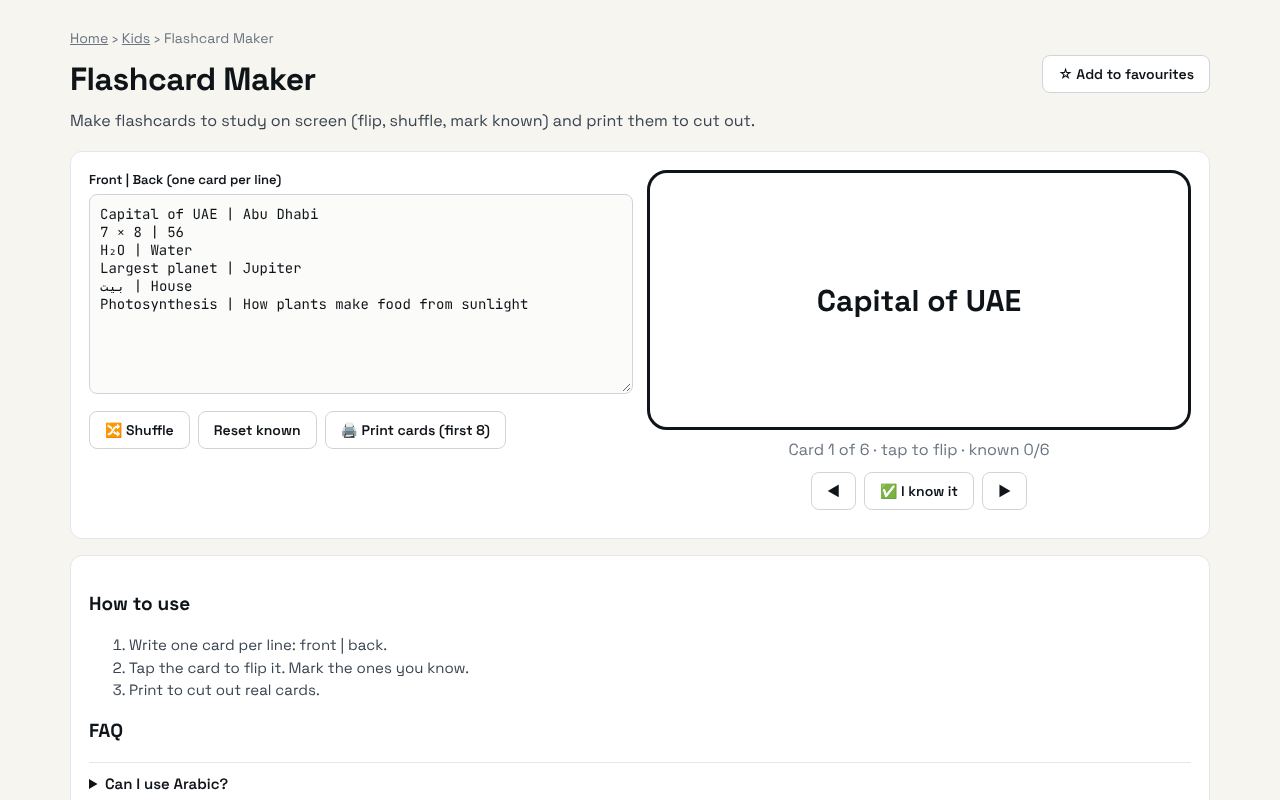
Make flashcards to study on screen (flip, shuffle, mark known) and print them to cut out.
Open the free Flashcard Maker →What is the Flashcard Maker?
Make flashcards to study on screen (flip, shuffle, mark known) and print them to cut out. It's completely free, needs no sign-up and works on any phone or computer.
Why it's helpful
- Flip and shuffle
- Mark cards as known
- Print and cut
Who it's for
Students, language learners and parents.
How to use it
- Write one card per line: front | back.
- Tap the card to flip it. Mark the ones you know.
- Print to cut out real cards.
💻 Open source: this tool is free and open source (MIT License). View the code on GitHub, download it and run it offline.
The bigger picture: Kids
Good screen time is active screen time. Drawing, colouring, puzzles and learning games build creativity and early skills, and printable activities give families a screen-free option too. Everything here is free, ad-free and needs no account.
What's changing: Parents and schools increasingly look for safe, ad-free learning tools and printable activities that mix screen time with hands-on play.
Frequently asked questions
Can I use Arabic?
Yes, any language works.