Markdown Editor with Live Preview and HTML Export
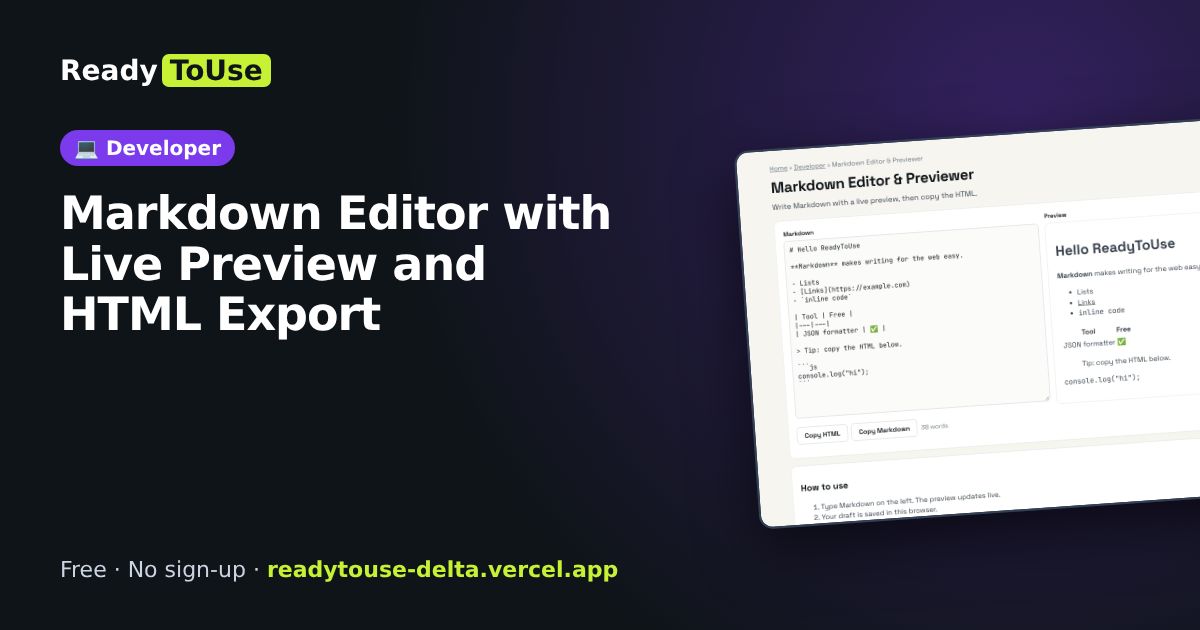
Write in Markdown and see the formatted result as you type, then copy clean HTML for your website, README or blog.
Open the free Markdown Editor & Previewer →What is the Markdown Editor & Previewer?
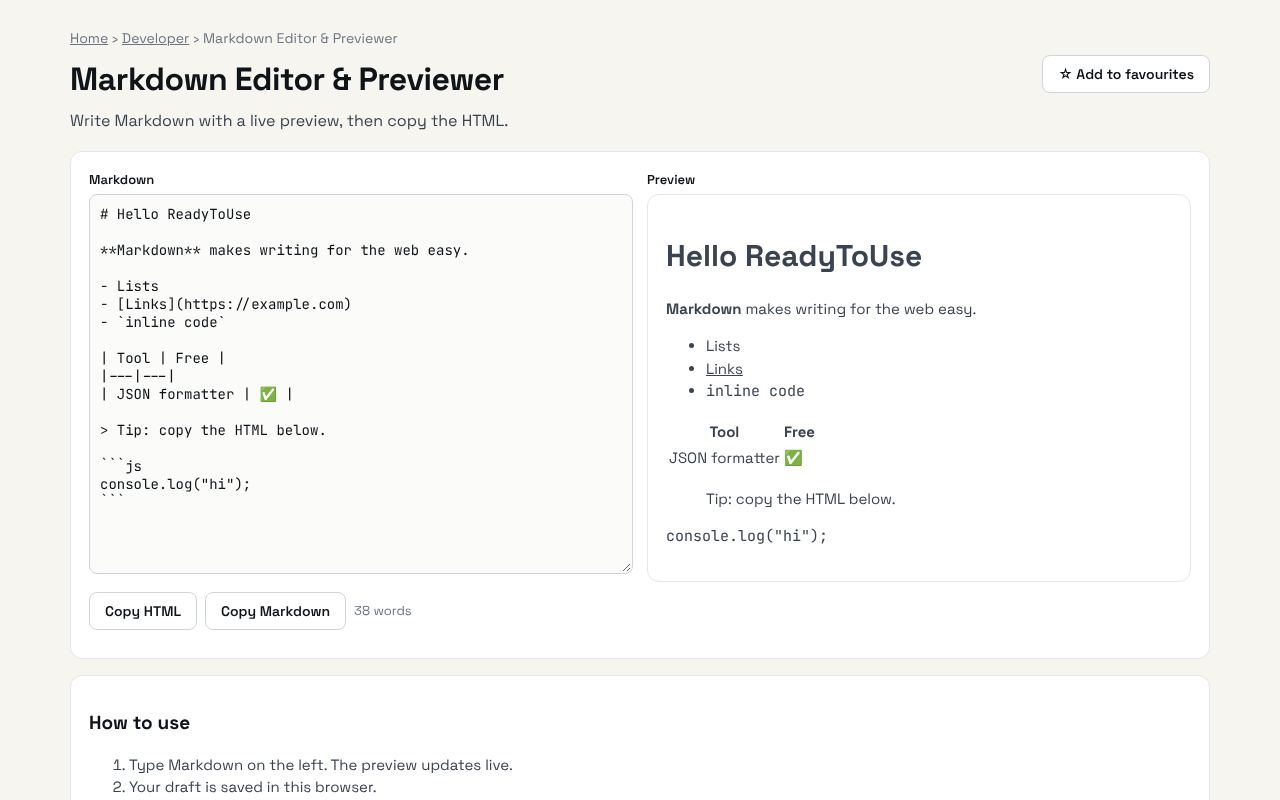
Write Markdown with a live preview, then copy the HTML. It's completely free, needs no sign-up and works on any phone or computer.
Why it's helpful
- Live side-by-side preview
- Copy the generated HTML
- Great for README files and notes
Who it's for
Developers, technical writers and bloggers.
How to use it
- Type Markdown on the left. The preview updates live.
- Your draft is saved in this browser.
💻 Open source: this tool is free and open source (MIT License). View the code on GitHub, download it and run it offline.
The bigger picture: Developer
Developers lose a surprising amount of time to small tasks: formatting data, decoding tokens, converting between formats and checking syntax. Fast in-browser tools keep you in flow and keep sensitive data off third-party servers.
What's changing: AI coding assistants now write a lot of code, but developers still need quick, trustworthy tools to inspect and verify what comes out: formatters, validators and decoders matter more, not less.
Frequently asked questions
Which Markdown flavour?
GitHub-flavoured Markdown, including tables and fenced code.