Colour Converter: HEX, RGB, HSL and CMYK with Tints and Shades
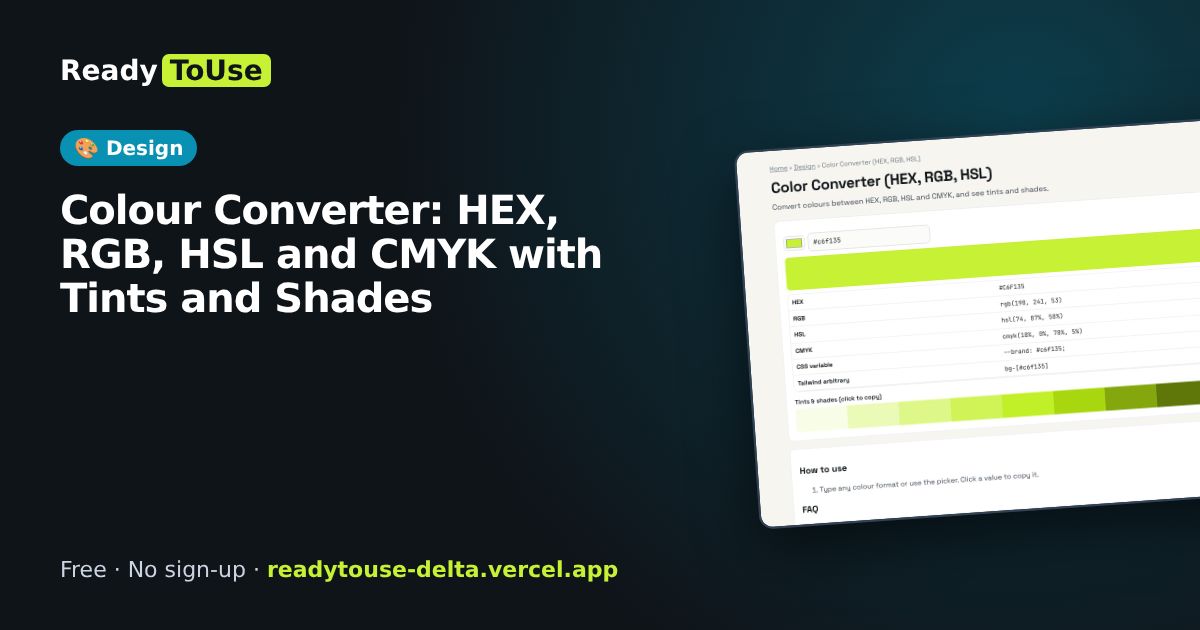
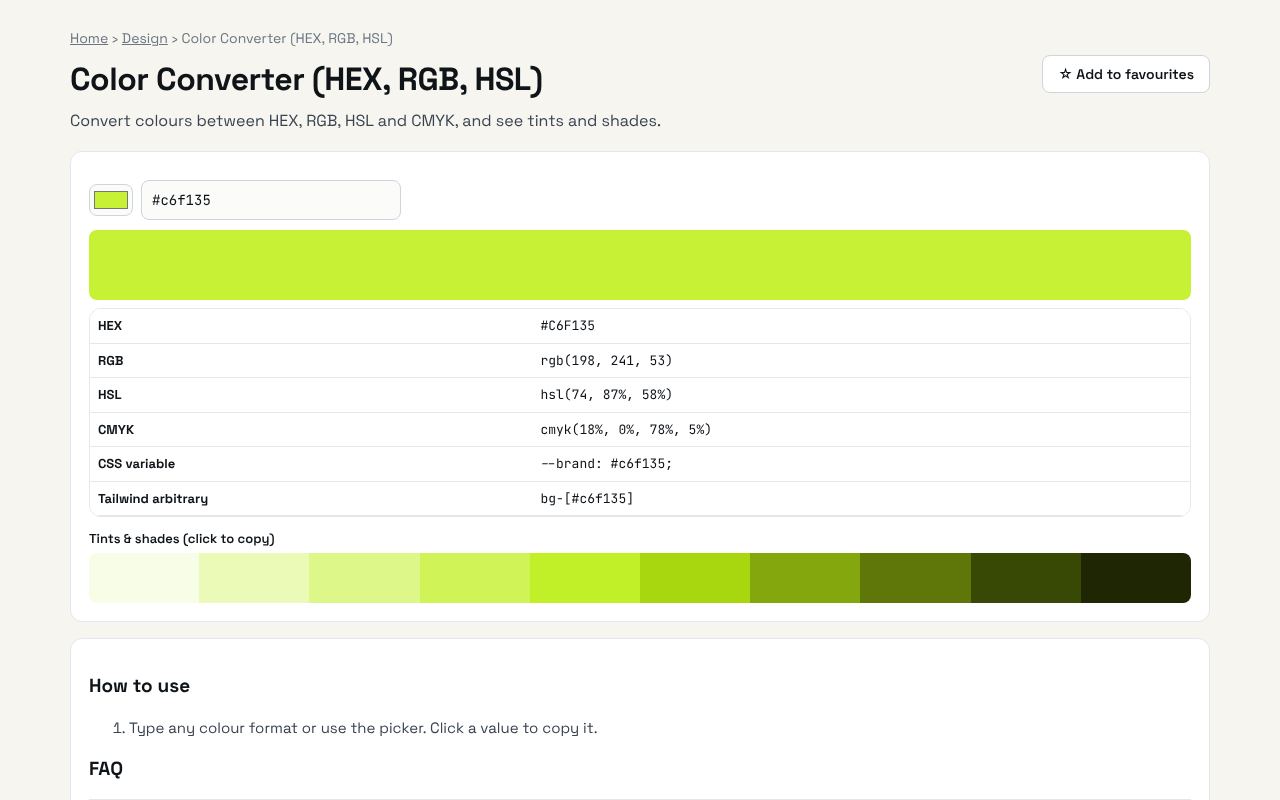
Designers and developers speak in different colour formats. Convert between HEX, RGB, HSL and CMYK and get matching tints and shades for your palette.
Open the free Color Converter (HEX, RGB, HSL) →What is the Color Converter?
Convert colours between HEX, RGB, HSL and CMYK, and see tints and shades. It's completely free, needs no sign-up and works on any phone or computer.
Why it's helpful
- Four formats in one place
- Tints and shades for consistent designs
- CMYK values for print
Who it's for
Designers, developers and print shops.
How to use it
- Type any colour format or use the picker. Click a value to copy it.
💻 Open source: this tool is free and open source (MIT License). View the code on GitHub, download it and run it offline.
The bigger picture: Design
Good design builds trust in seconds. Colour, typography, spacing and accessibility tools help developers and small businesses create websites that look professional without hiring a full design team.
What's changing: Accessibility is moving from nice-to-have to expected, and modern CSS now does with a few lines what used to need images and JavaScript.
Frequently asked questions
Is CMYK exact for print?
It is a simple conversion. Professional printing uses colour profiles, so ask your printer.