CSS Button Generator: Design Buttons Visually
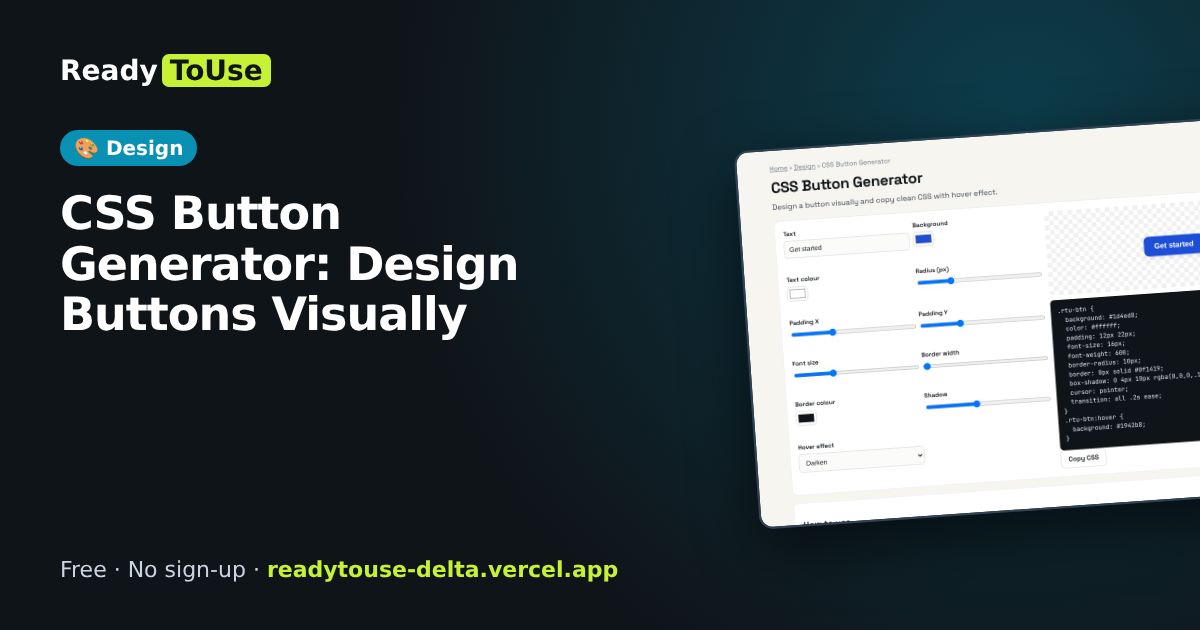
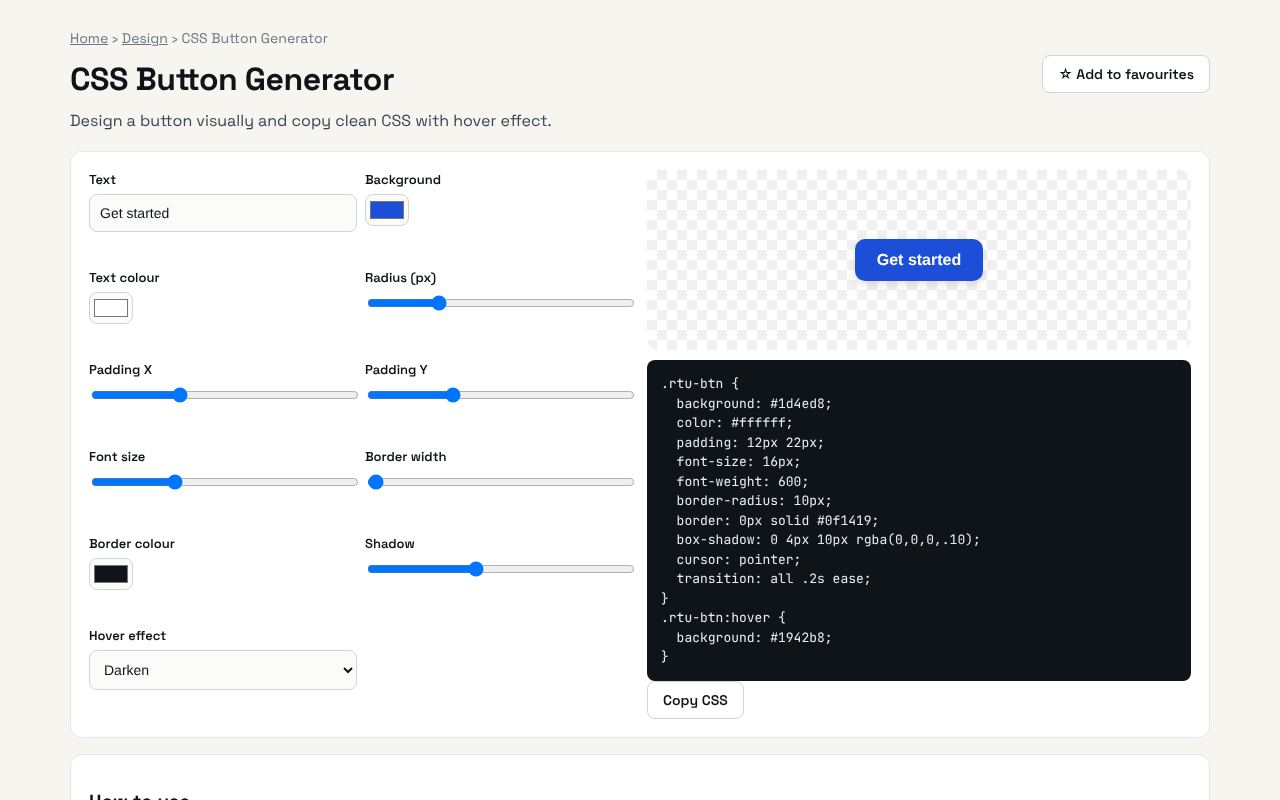
Design a button with colours, padding, border radius and shadow, see it live, and copy clean CSS including a hover effect.
Open the free CSS Button Generator →What is the CSS Button Generator?
Design a button visually and copy clean CSS with hover effect. It's completely free, needs no sign-up and works on any phone or computer.
Why it's helpful
- Visual editor
- Hover effect included
- Clean, copy-ready CSS
Who it's for
Web developers and designers.
How to use it
- Adjust colours, size, radius and hover. Hover the preview to test it.
- Copy the CSS and add class="rtu-btn" to your button.
💻 Open source: this tool is free and open source (MIT License). View the code on GitHub, download it and run it offline.
The bigger picture: Design
Good design builds trust in seconds. Colour, typography, spacing and accessibility tools help developers and small businesses create websites that look professional without hiring a full design team.
What's changing: Accessibility is moving from nice-to-have to expected, and modern CSS now does with a few lines what used to need images and JavaScript.
Frequently asked questions
Is it accessible?
Check the text/background contrast with the Contrast Checker tool.