Font Pairing Tool: Preview Google Font Combinations
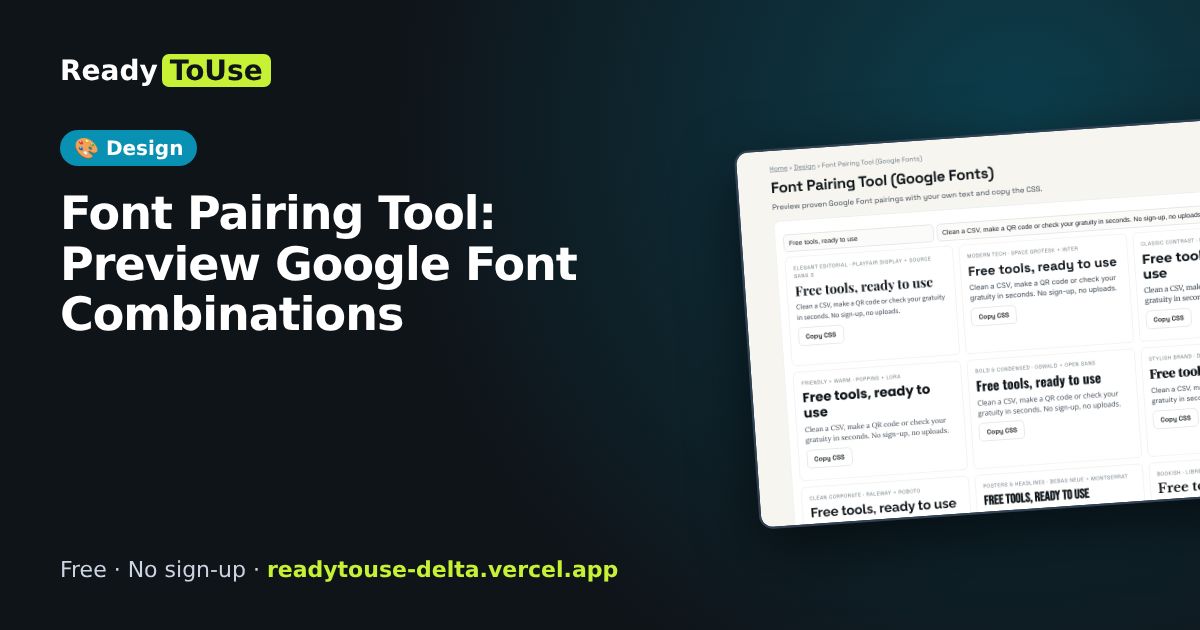
Choosing fonts is hard. Preview proven Google Font pairings with your own text and copy the CSS.
Open the free Font Pairing Tool (Google Fonts) →What is the Font Pairing Tool?
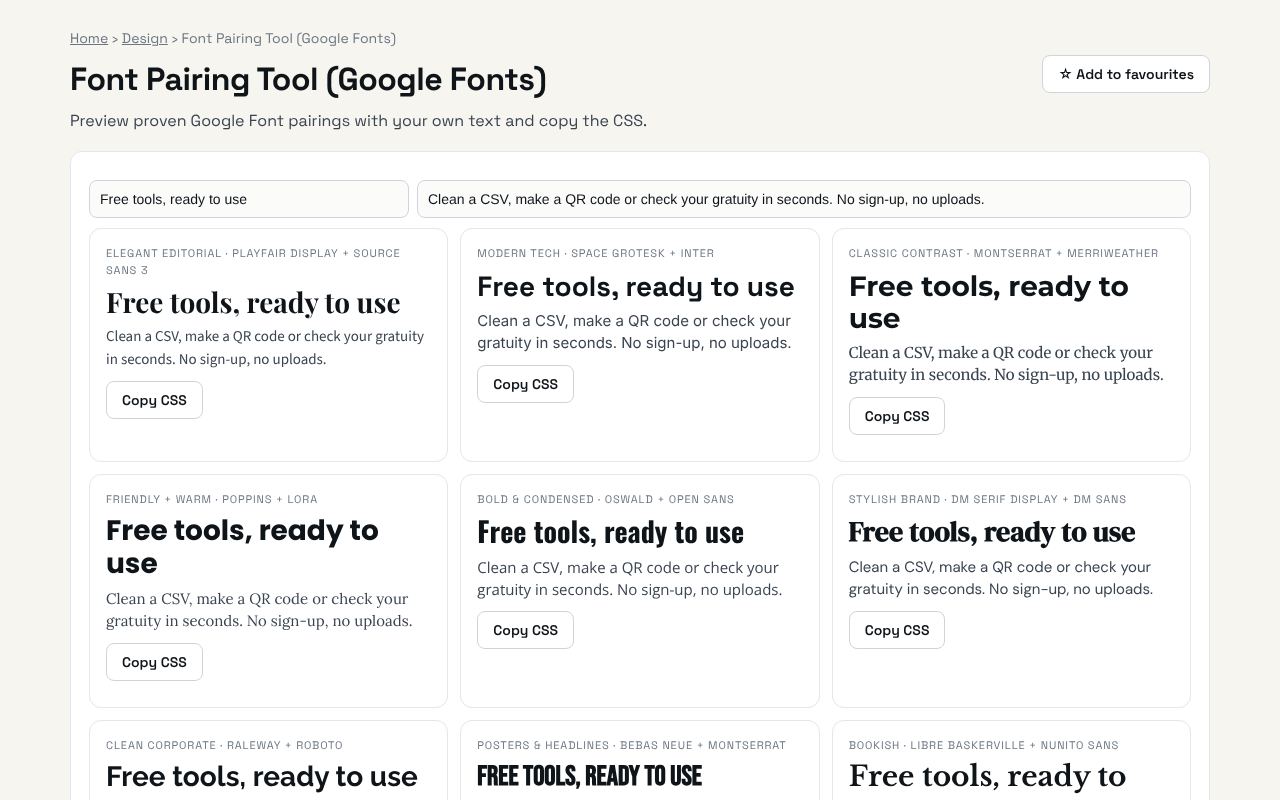
Preview proven Google Font pairings with your own text and copy the CSS. It's completely free, needs no sign-up and works on any phone or computer.
Why it's helpful
- Proven heading and body pairings
- Preview with your own words
- Copy-ready CSS
Who it's for
Designers, developers and anyone building a website.
How to use it
- Type your own headline and paragraph to preview them in every pairing.
- Copy the CSS of the pair you like.
💻 Open source: this tool is free and open source (MIT License). View the code on GitHub, download it and run it offline.
The bigger picture: Design
Good design builds trust in seconds. Colour, typography, spacing and accessibility tools help developers and small businesses create websites that look professional without hiring a full design team.
What's changing: Accessibility is moving from nice-to-have to expected, and modern CSS now does with a few lines what used to need images and JavaScript.
Frequently asked questions
Are Google Fonts free for commercial use?
Yes. They are open-source licensed.