Favicon Generator: ICO and PNG Icons for Browsers, iPhone and Android
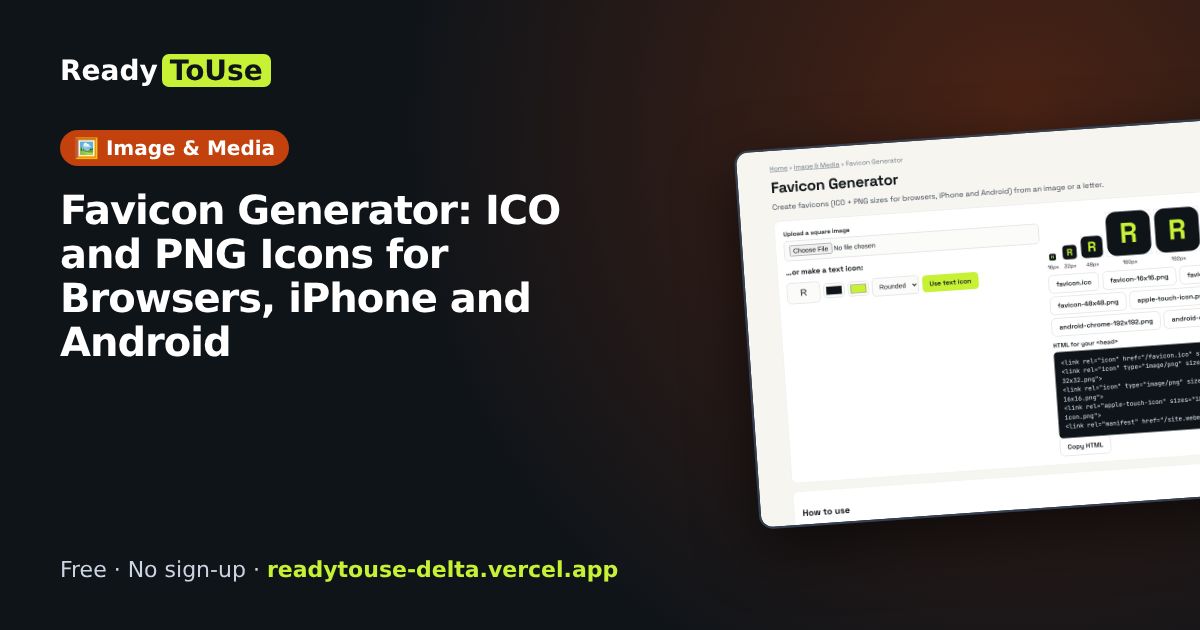
The little icon in browser tabs makes a site look finished and trustworthy. Create a full favicon set from an image or a letter, ready for browsers, iPhone home screens and Android.
Open the free Favicon Generator →What is the Favicon Generator?
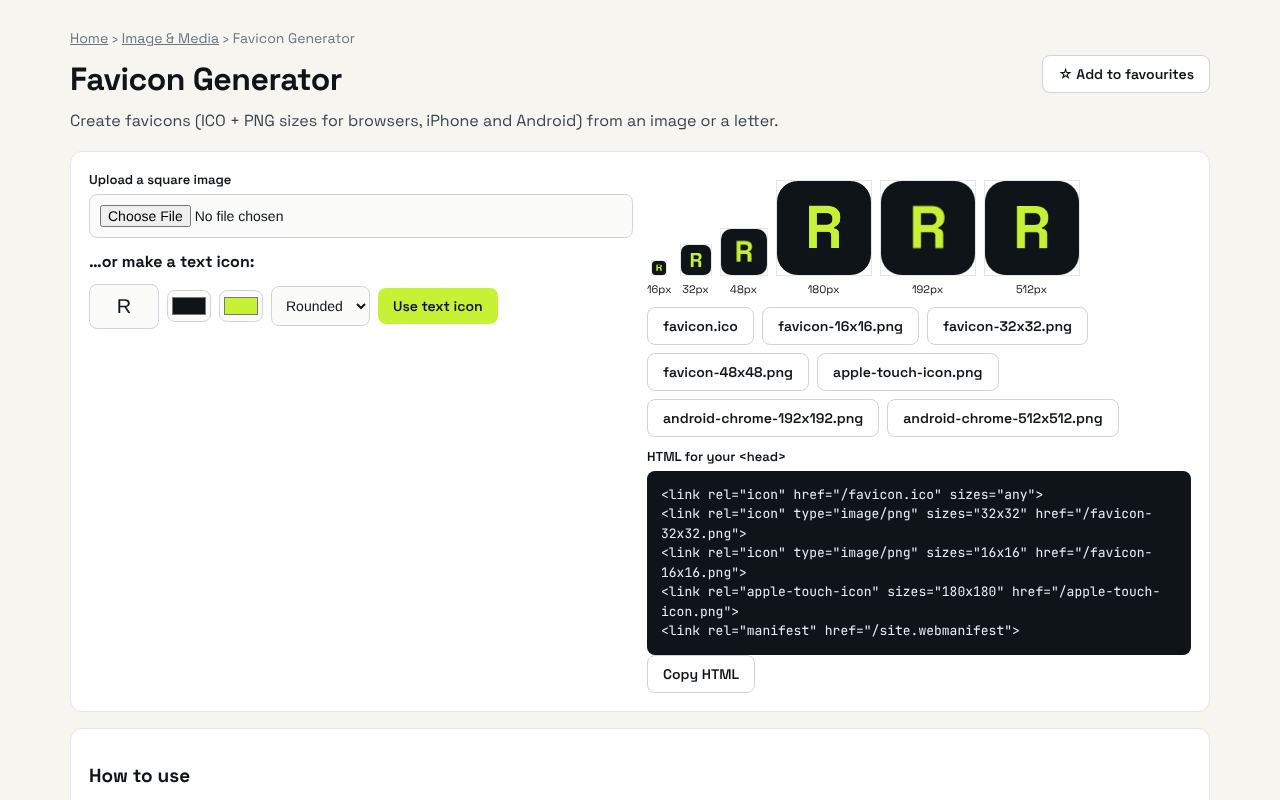
Create favicons (ICO + PNG sizes for browsers, iPhone and Android) from an image or a letter. It's completely free, needs no sign-up and works on any phone or computer.
Why it's helpful
- All the sizes browsers and phones need
- Start from an image or just a letter
- Copy-ready HTML tags
Who it's for
Website owners, developers and small businesses.
How to use it
- Upload a square logo, or make a simple letter icon.
- Download each file, put them in your site root and paste the HTML into <head>.
💻 Open source: this tool is free and open source (MIT License). View the code on GitHub, download it and run it offline.
The bigger picture: Image & Media
Images and video drive social media and websites, but every platform wants a different size and format. In-browser tools resize, convert and polish media without uploading private photos.
What's changing: Modern formats like WebP and AVIF are replacing heavy JPGs on the web, making pages faster, especially on mobile.
Frequently asked questions
Which sizes do I really need?
favicon.ico, a 180px apple-touch-icon and 192/512px PNGs cover almost every device.