Resize, Compress and Convert Images in Your Browser (No Upload)
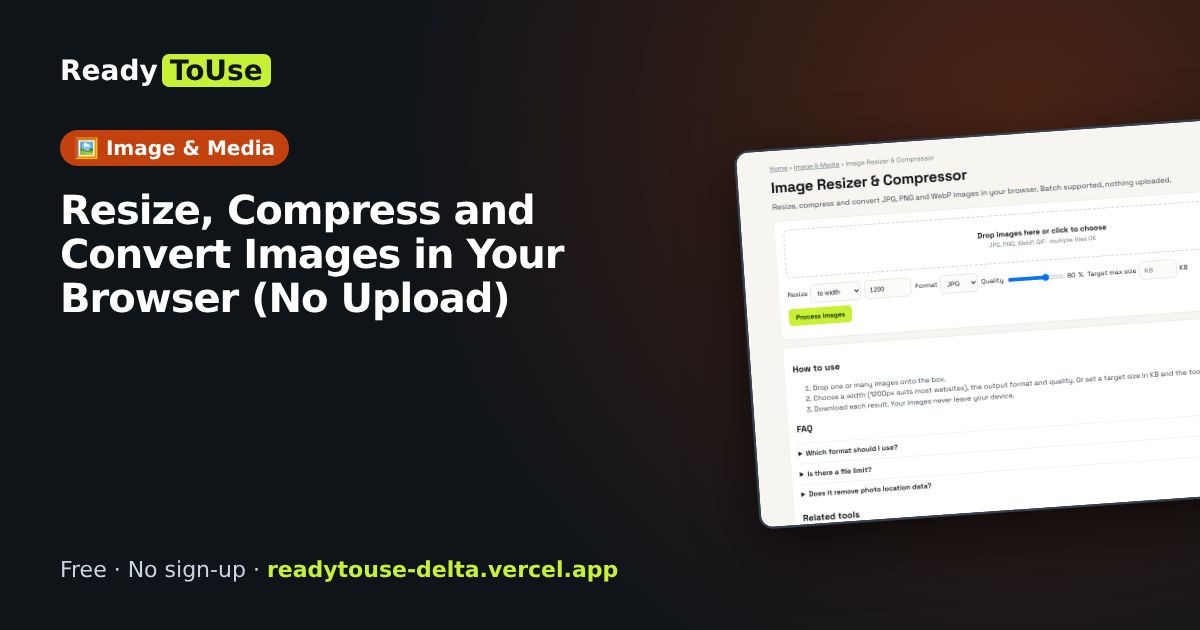
Large photos slow down websites and get rejected by forms and email. Resize, compress and convert JPG, PNG and WebP images right in your browser, including several at once, without uploading them anywhere.
Open the free Image Resizer & Compressor →What is the Image Resizer & Compressor?
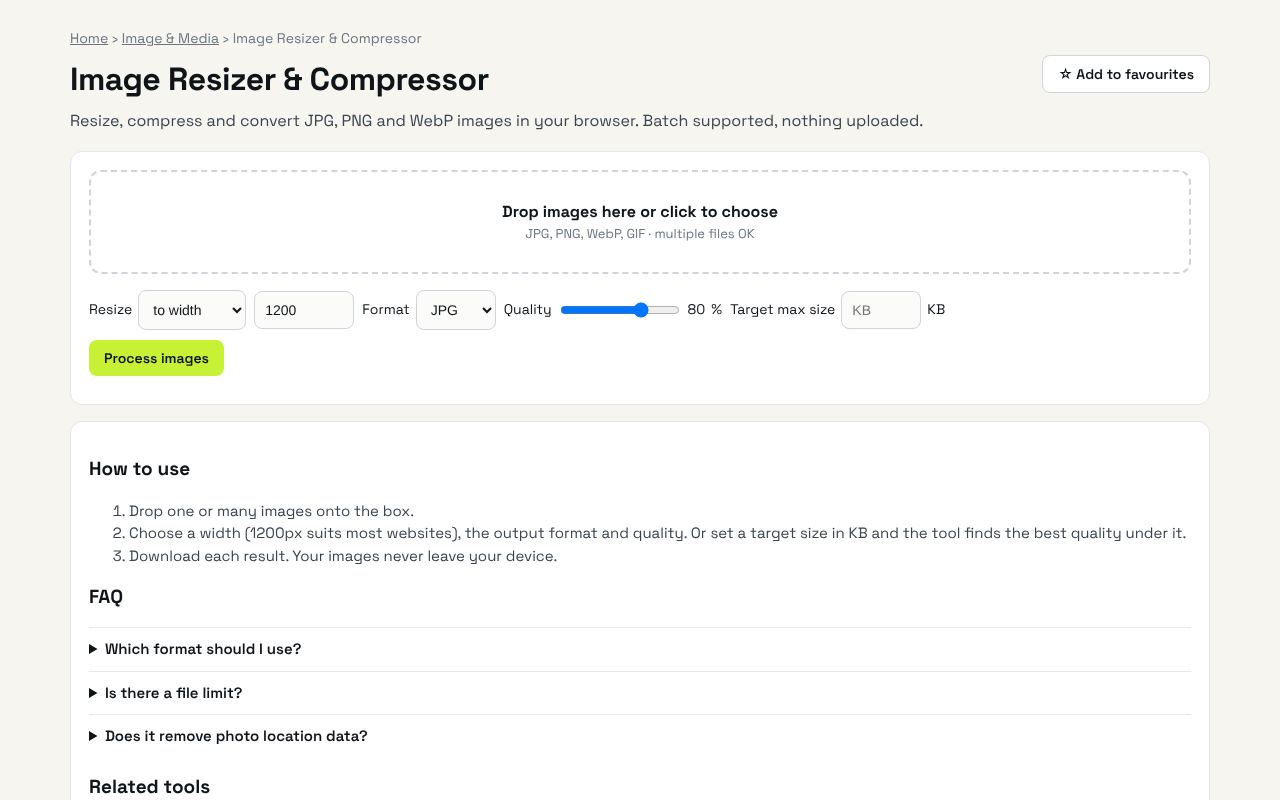
Resize, compress and convert JPG, PNG and WebP images in your browser. Batch supported, nothing uploaded. It's completely free, needs no sign-up and works on any phone or computer.
Why it's helpful
- Batch resize many photos at once
- Convert to WebP for much smaller website images
- Private: your photos never leave your device
Who it's for
Website owners, online sellers, students submitting forms and social media users.
How to use it
- Drop one or many images onto the box.
- Choose a width (1200px suits most websites), the output format and quality. Or set a target size in KB and the tool finds the best quality under it.
- Download each result. Your images never leave your device.
💻 Open source: this tool is free and open source (MIT License). View the code on GitHub, download it and run it offline.
The bigger picture: Image & Media
Images and video drive social media and websites, but every platform wants a different size and format. In-browser tools resize, convert and polish media without uploading private photos.
What's changing: Modern formats like WebP and AVIF are replacing heavy JPGs on the web, making pages faster, especially on mobile.
Frequently asked questions
Which format should I use?
WebP gives the smallest files for websites. JPG is the safest for sharing. PNG is for screenshots or images that need transparency.
Is there a file limit?
No fixed limit. Very large photos (50+ MP) depend on your device memory.
Does it remove photo location data?
Yes. Re-encoding removes EXIF metadata, including GPS location.
Related guides