Convert Photos and Scans to One PDF
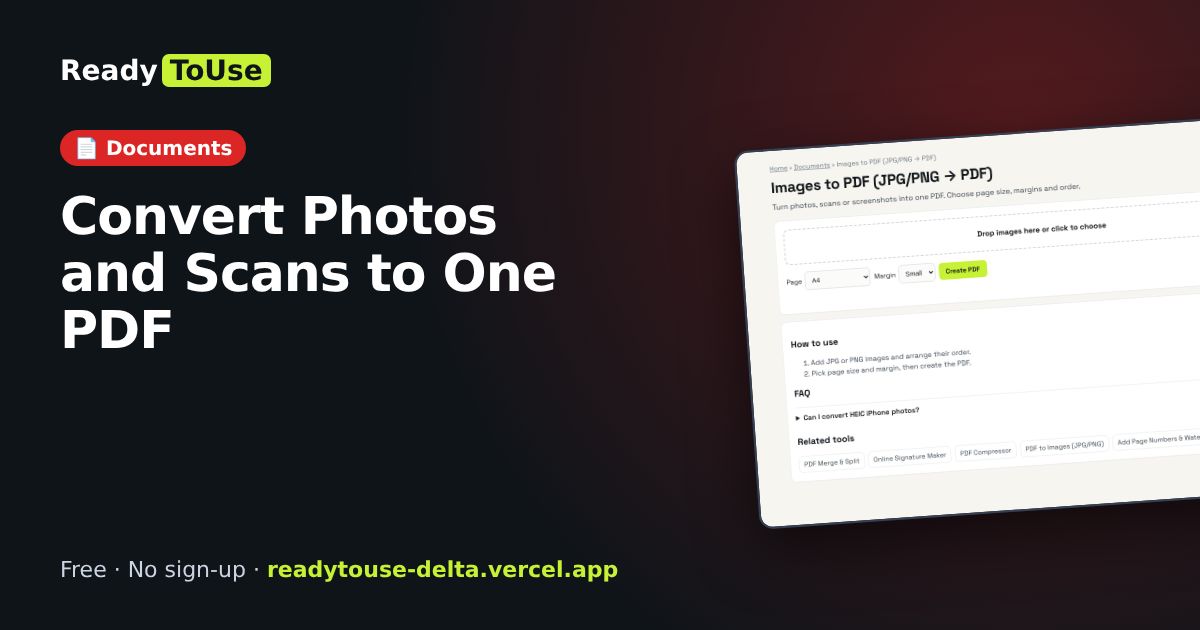
Turn phone photos, scans or screenshots into a single PDF. Choose page size, margins and order: perfect for receipts and application documents.
Open the free Images to PDF (JPG/PNG → PDF) →What is the Images to PDF?
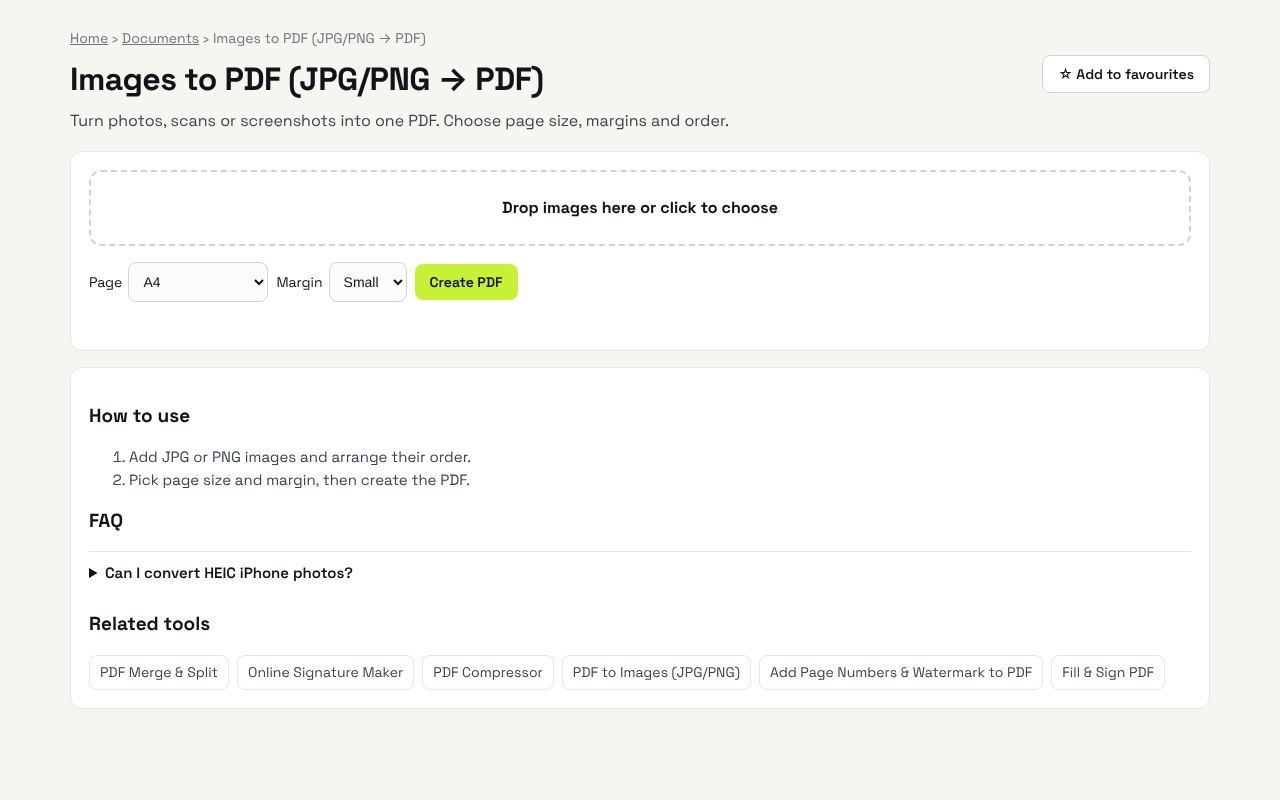
Turn photos, scans or screenshots into one PDF. Choose page size, margins and order. It's completely free, needs no sign-up and works on any phone or computer.
Why it's helpful
- Multiple images to one PDF
- Page size and margin options
- Private and free
Who it's for
Students, job seekers and anyone submitting documents.
How to use it
- Add JPG or PNG images and arrange their order.
- Pick page size and margin, then create the PDF.
💻 Open source: this tool is free and open source (MIT License). View the code on GitHub, download it and run it offline.
The bigger picture: Documents
Visas, job applications, tenancy contracts and bank forms all run on PDFs. These tools merge, compress, sign and edit PDFs in your browser, so passports, IDs and statements never leave your device.
What's changing: As people grow more careful about where personal documents go, privacy-first, in-browser PDF tools are replacing upload-based websites.
Frequently asked questions
Can I convert HEIC iPhone photos?
Convert them to JPG first (the iPhone can share as JPG).