Merge and Split PDFs Free, Without Uploading Your Files
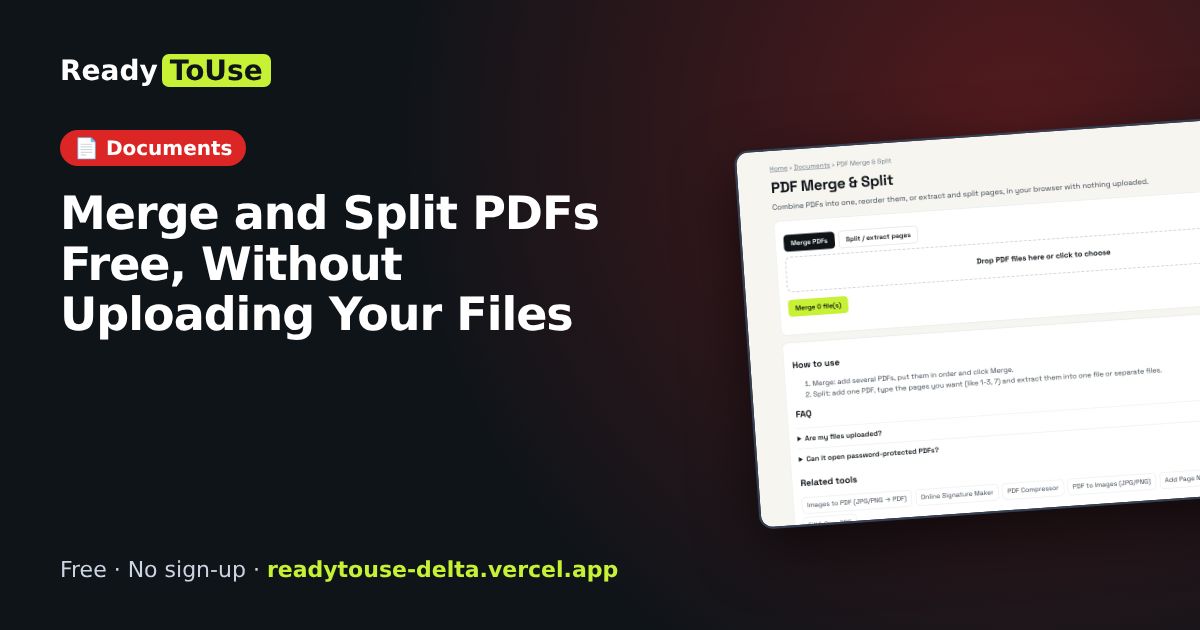
Combine PDFs into one, reorder them, or extract and split pages, all in your browser. Contracts, IDs and bank statements never leave your device.
Open the free PDF Merge & Split →What is the PDF Merge & Split?
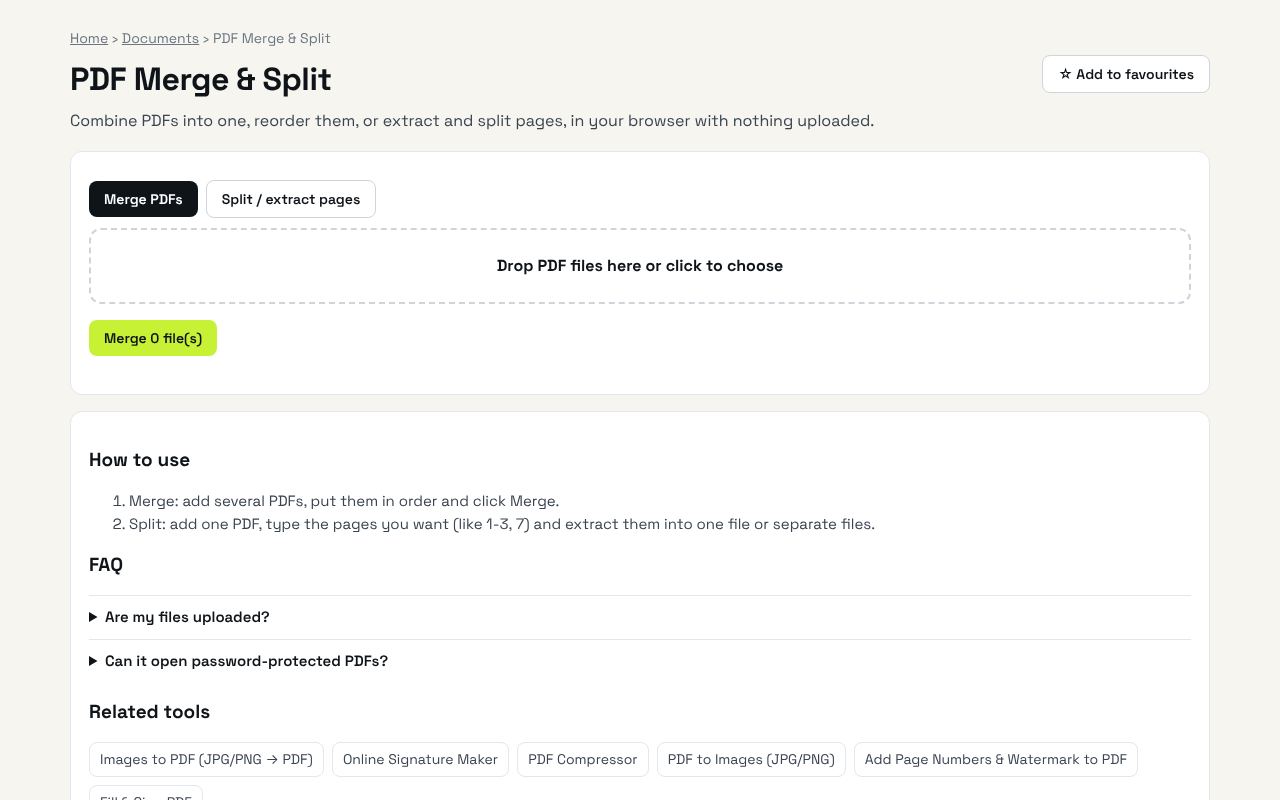
Combine PDFs into one, reorder them, or extract and split pages, in your browser with nothing uploaded. It's completely free, needs no sign-up and works on any phone or computer.
Why it's helpful
- Merge, reorder, extract and split
- Private: no upload
- Free with no watermark
Who it's for
Office workers, students and anyone handling documents.
How to use it
- Merge: add several PDFs, put them in order and click Merge.
- Split: add one PDF, type the pages you want (like 1-3, 7) and extract them into one file or separate files.
💻 Open source: this tool is free and open source (MIT License). View the code on GitHub, download it and run it offline.
The bigger picture: Documents
Visas, job applications, tenancy contracts and bank forms all run on PDFs. These tools merge, compress, sign and edit PDFs in your browser, so passports, IDs and statements never leave your device.
What's changing: Privacy-first, in-browser document tools are growing as people become more careful about uploading personal files.
Frequently asked questions
Are my files uploaded?
No. PDFs are processed on your device with the open-source pdf-lib library.
Can it open password-protected PDFs?
Not encrypted ones. Remove the password in your PDF reader first.