Online Signature Maker: Draw or Type, Download as Transparent PNG
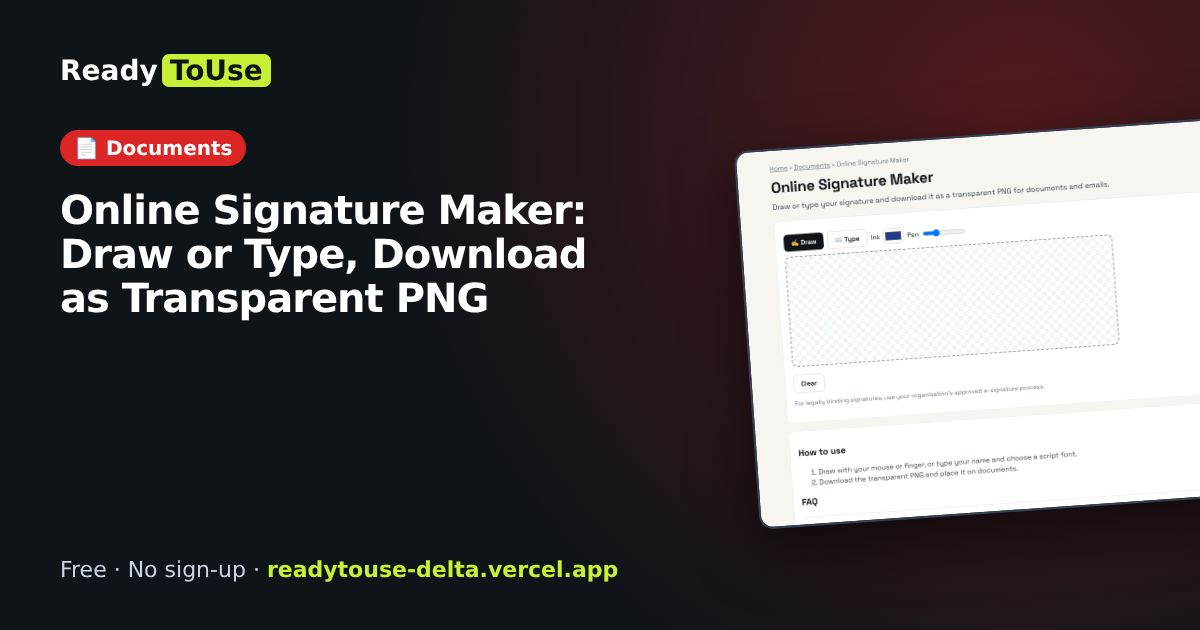
Create a signature by drawing or typing, and download it as a transparent PNG to add to documents and emails.
Open the free Online Signature Maker →What is the Online Signature Maker?
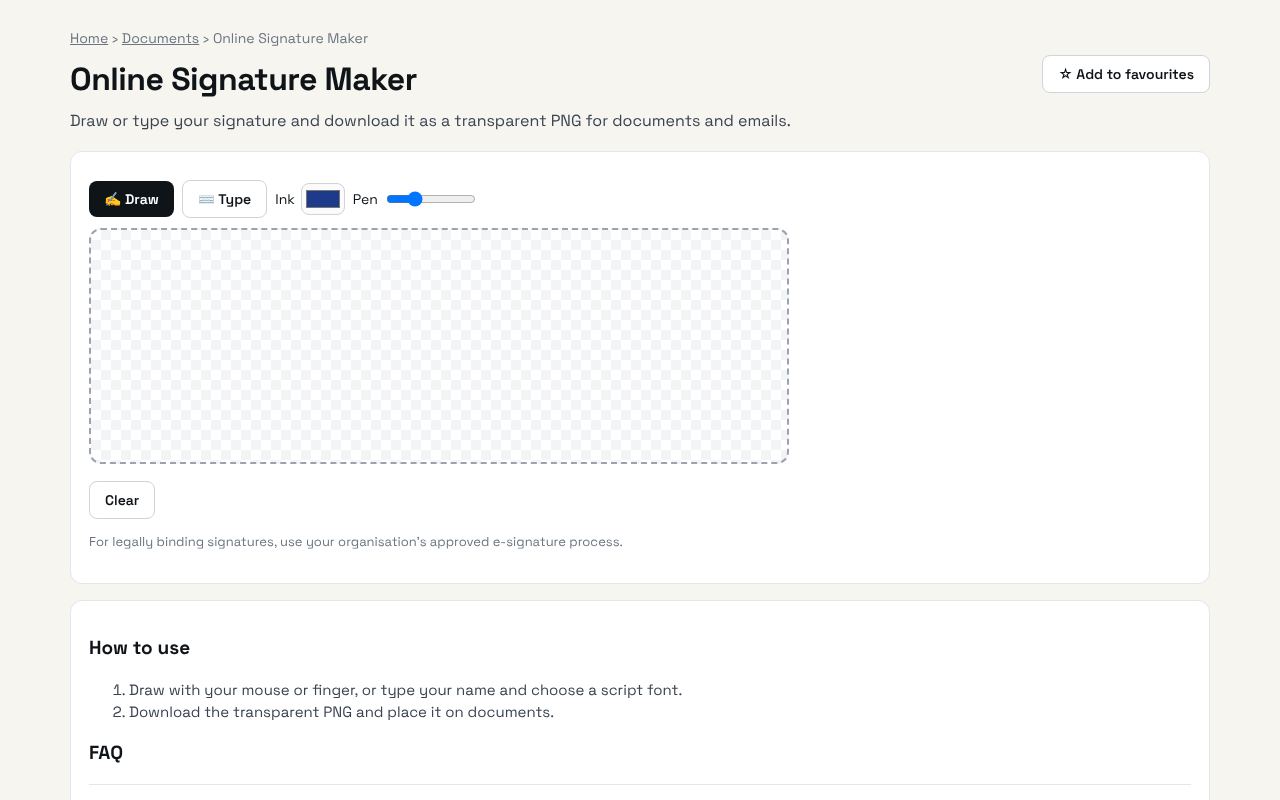
Draw or type your signature and download it as a transparent PNG for documents and emails. It's completely free, needs no sign-up and works on any phone or computer.
Why it's helpful
- Draw or type
- Transparent background
- Use in PDFs and emails
Who it's for
Professionals, freelancers and anyone signing documents remotely.
How to use it
- Draw with your mouse or finger, or type your name and choose a script font.
- Download the transparent PNG and place it on documents.
💻 Open source: this tool is free and open source (MIT License). View the code on GitHub, download it and run it offline.
The bigger picture: Documents
Visas, job applications, tenancy contracts and bank forms all run on PDFs. These tools merge, compress, sign and edit PDFs in your browser, so passports, IDs and statements never leave your device.
What's changing: As people grow more careful about where personal documents go, privacy-first, in-browser PDF tools are replacing upload-based websites.
Frequently asked questions
Is it stored anywhere?
No. It is created in your browser only.