Convert Video to GIF in Your Browser (MP4, WebM, MOV)
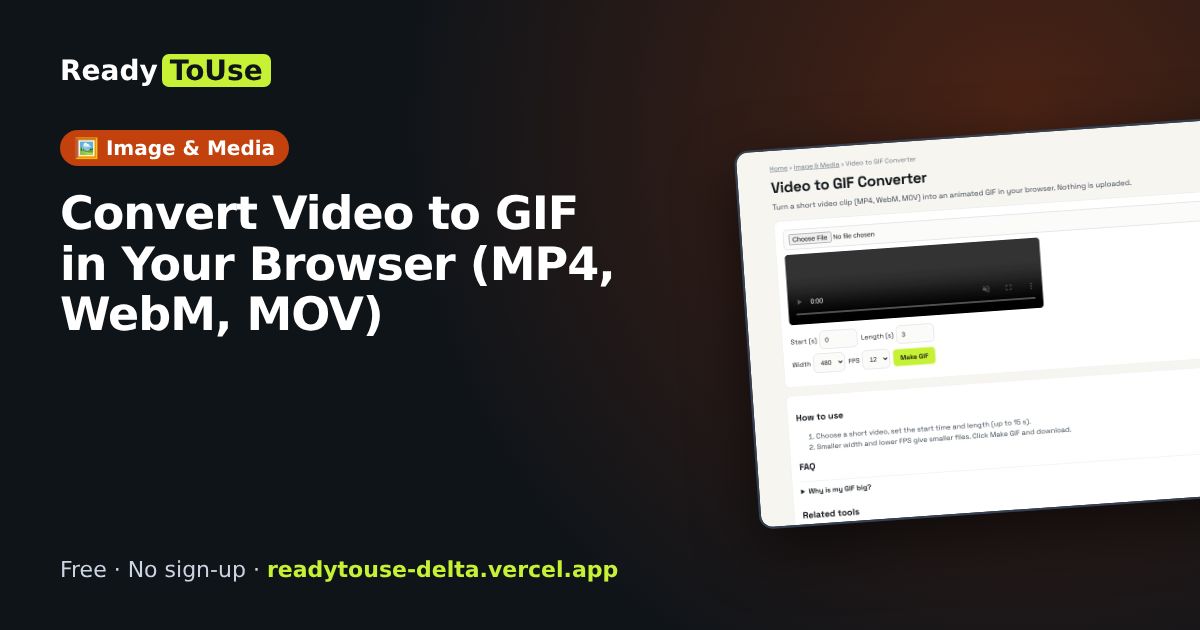
Turn a short screen recording or clip into an animated GIF for docs, chats and social posts. Everything happens in your browser, so your video is never uploaded.
Open the free Video to GIF Converter →What is the Video to GIF Converter?
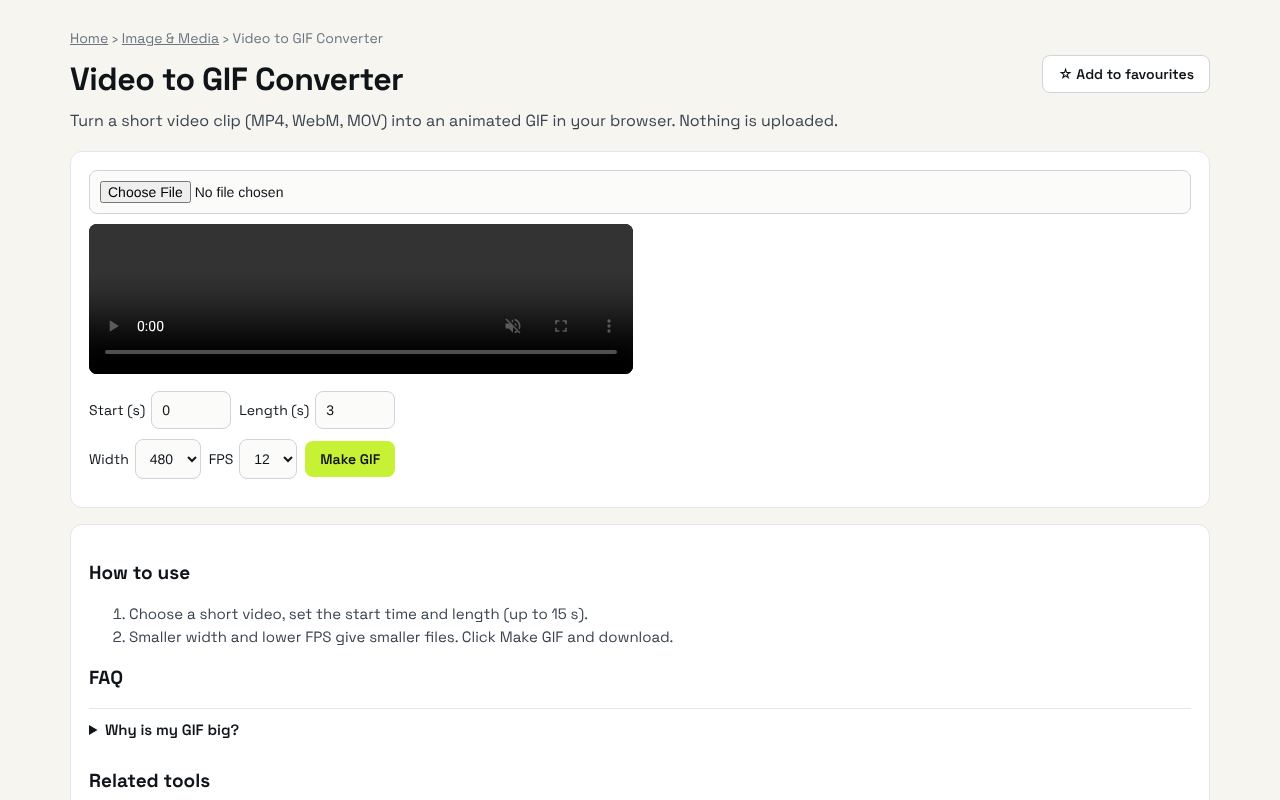
Turn a short video clip (MP4, WebM, MOV) into an animated GIF in your browser. Nothing is uploaded. It's completely free, needs no sign-up and works on any phone or computer.
Why it's helpful
- Works with MP4, WebM and MOV
- Choose start, length, size and frame rate
- Private: nothing is uploaded
Who it's for
Developers, support teams, creators and marketers.
How to use it
- Choose a short video, set the start time and length (up to 15 s).
- Smaller width and lower FPS give smaller files. Click Make GIF and download.
💻 Open source: this tool is free and open source (MIT License). View the code on GitHub, download it and run it offline.
The bigger picture: Image & Media
Images and video drive social media and websites, but every platform wants a different size and format. In-browser tools resize, convert and polish media without uploading private photos.
What's changing: Modern formats like WebP and AVIF are replacing heavy JPGs on the web, making pages faster, especially on mobile.
Frequently asked questions
Why is my GIF big?
GIF is an old format. Keep clips short, 480px wide and 10–12 FPS for sharing.
Related guides