Clean a Messy CSV in Seconds: Remove Duplicates, Blank Rows and Extra Spaces
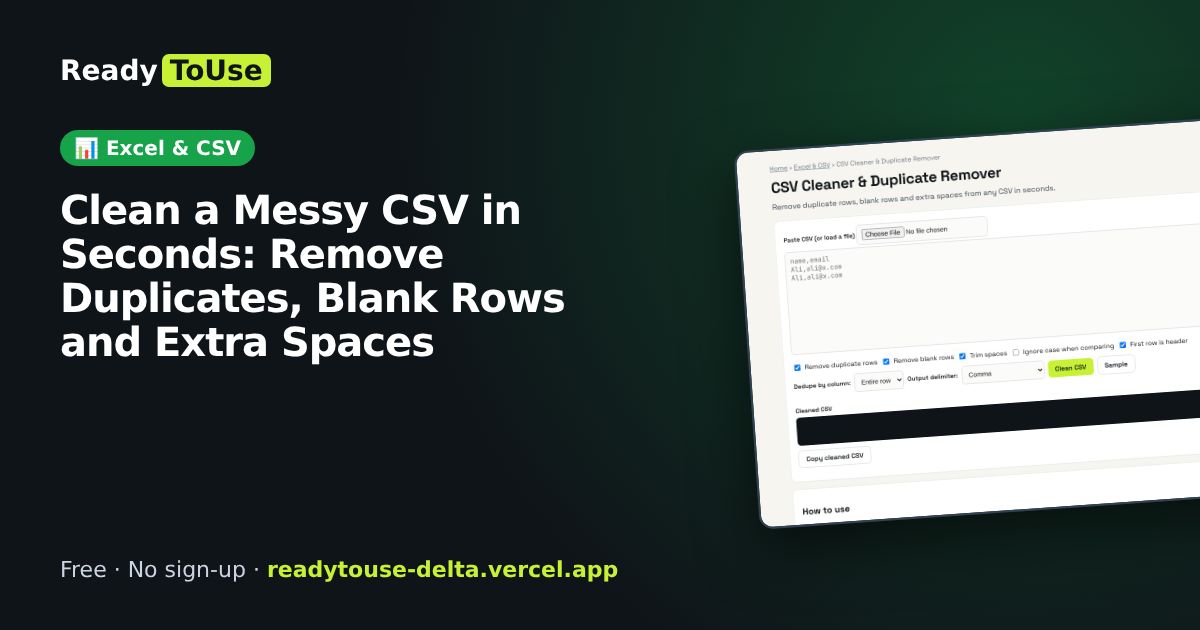
Exported spreadsheets are rarely clean. Duplicate rows, empty lines and stray spaces cause wrong totals, failed imports and embarrassing reports. The CSV Cleaner fixes all three at once, right in your browser.
Open the free CSV Cleaner & Duplicate Remover →What is the CSV Cleaner & Duplicate Remover?
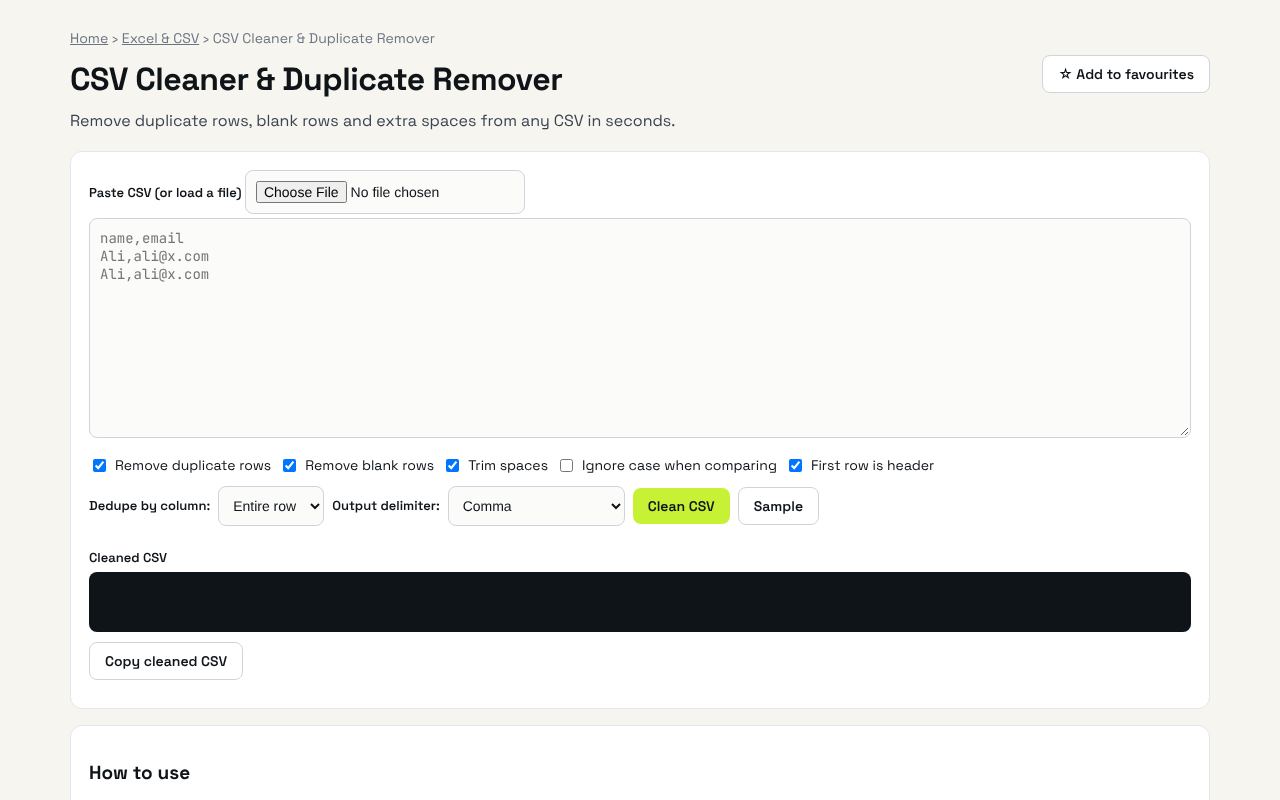
Remove duplicate rows, blank rows and extra spaces from any CSV in seconds. It's completely free, needs no sign-up and works on any phone or computer.
Why it's helpful
- Removes exact duplicate rows and tells you how many it found
- Drops blank rows and trims extra spaces in every cell
- Works on large files without uploading them anywhere
Who it's for
Office teams, e-commerce sellers, marketers cleaning contact lists and analysts.
How to use it
- Paste CSV or load a .csv file from your computer.
- Pick what to clean: duplicates, blank rows, spaces. Optionally dedupe by one column, e.g. email.
- Click Clean CSV, then copy the result. Choose Tab output to paste straight into Excel.
💻 Open source: this tool is free and open source (MIT License). View the code on GitHub, download it and run it offline.
The bigger picture: Excel & CSV
Spreadsheets still run most offices. Cleaning data, converting formats and understanding formulas are daily tasks that eat hours; the right tool turns them into seconds.
What's changing: Excel and Google Sheets keep adding powerful functions like XLOOKUP, FILTER and LET, plus AI helpers. Knowing the fundamentals makes those features far more useful.
Frequently asked questions
How many rows can it handle?
Hundreds of thousands in a modern browser — it runs locally.
Does it detect semicolon CSVs?
Yes, the delimiter (comma, semicolon, tab, pipe) is detected automatically.