Convert Date Formats in Bulk: DD/MM/YYYY, MM/DD/YYYY, ISO and Excel Serials
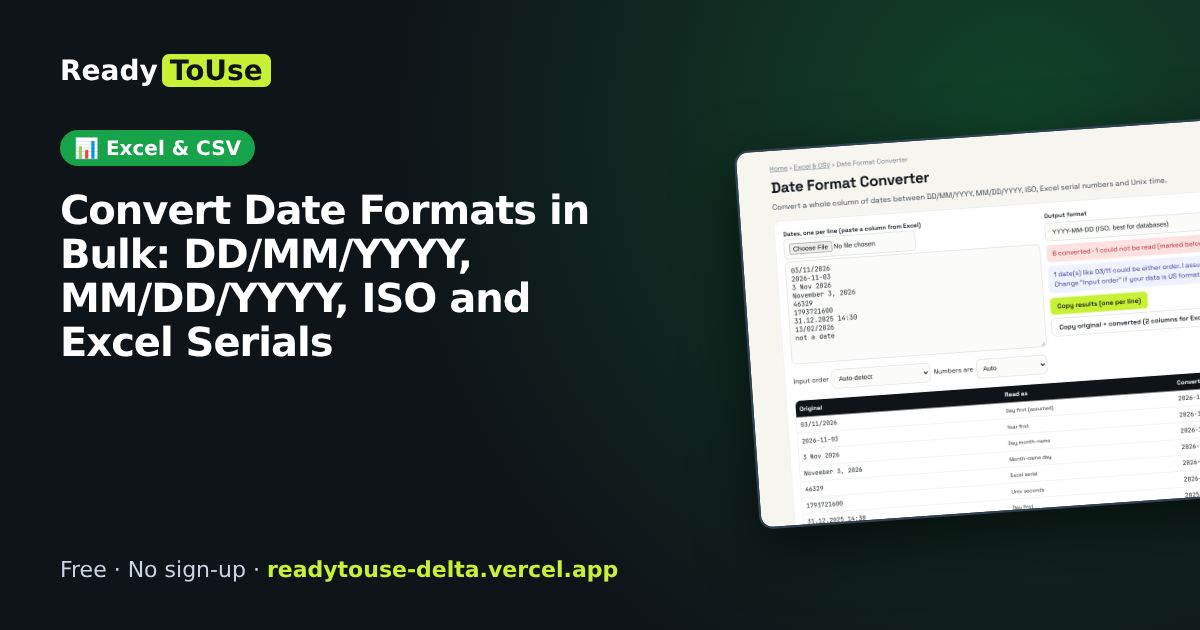
Mixed date formats are one of the most common spreadsheet headaches, especially between UAE (day first) and US (month first) systems. Paste a whole column and convert it to the format you need.
Open the free Date Format Converter →What is the Date Format Converter?
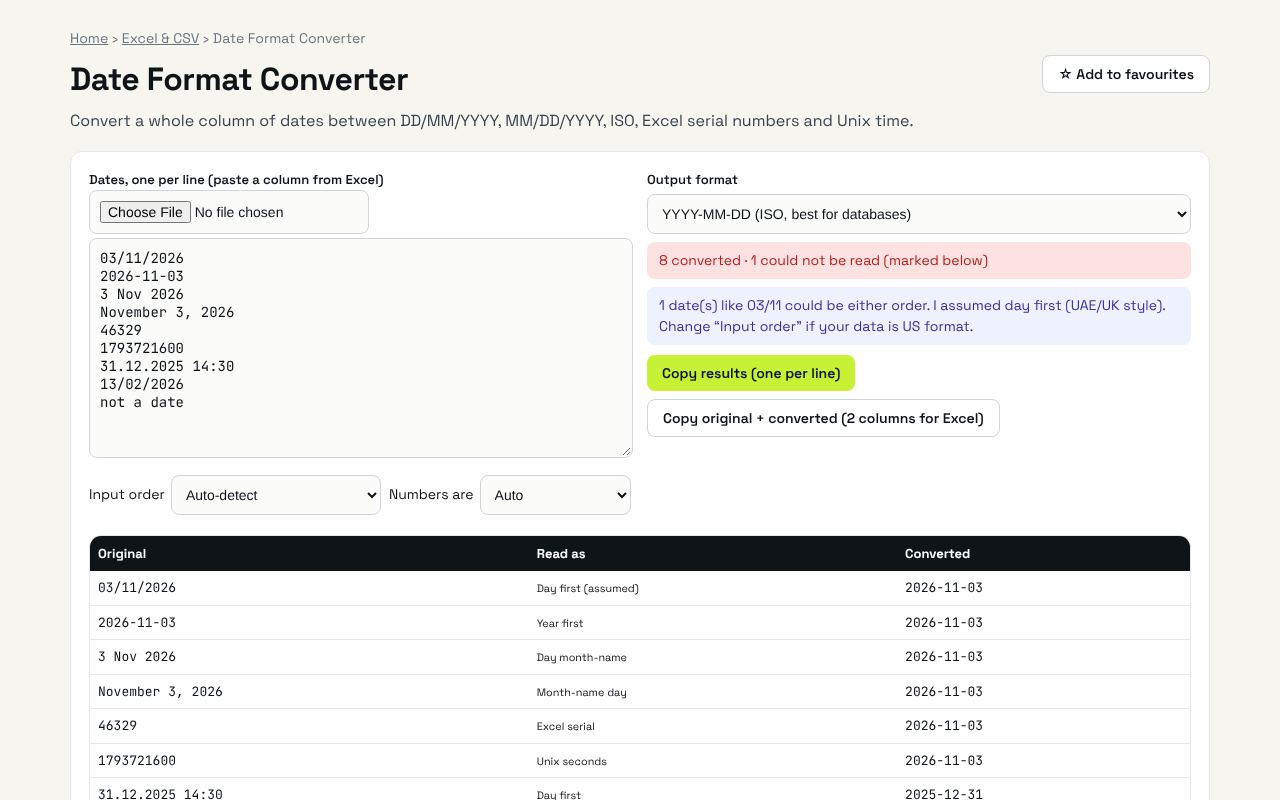
Convert a whole column of dates between DD/MM/YYYY, MM/DD/YYYY, ISO, Excel serial numbers and Unix time. It's completely free, needs no sign-up and works on any phone or computer.
Why it's helpful
- Converts DD/MM/YYYY, MM/DD/YYYY, ISO and Excel serial numbers
- Handles a full column at once
- Stops dates like 03/04 being read as the wrong month
Who it's for
Office workers, analysts and anyone importing data between systems.
How to use it
- Paste a column of dates. Mixed formats are fine, including Excel serial numbers and Unix timestamps.
- Pick the output format, or build your own with tokens like DD.MM.YY.
- Copy the results and paste them back into Excel.
💻 Open source: this tool is free and open source (MIT License). View the code on GitHub, download it and run it offline.
The bigger picture: Excel & CSV
Spreadsheets still run most offices. Cleaning data, converting formats and understanding formulas are daily tasks that eat hours; the right tool turns them into seconds.
What's changing: Excel and Google Sheets keep adding powerful functions like XLOOKUP, FILTER and LET, plus AI helpers. Knowing the fundamentals makes those features far more useful.
Frequently asked questions
Why does Excel show dates as numbers like 46329?
Excel stores dates as the number of days since 30 Dec 1899. This tool converts them both ways.
How are dates like 03/11/2026 handled?
They are ambiguous, so the tool assumes day first (UAE/UK) unless you choose month first. Any line where a number is above 12 is detected automatically.