Convert CSV or Excel Data to JSON Instantly
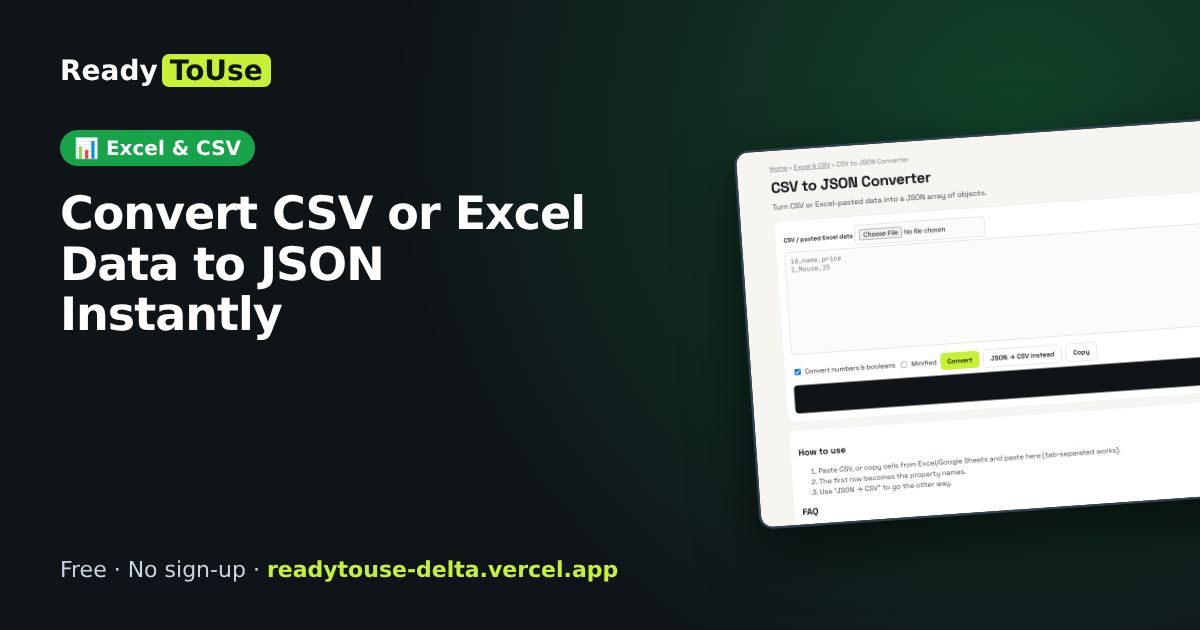
Need spreadsheet data inside an app, API or website? Copy rows from Excel or a CSV file and get a clean JSON array of objects, with the first row used as keys.
Open the free CSV to JSON Converter →What is the CSV to JSON Converter?
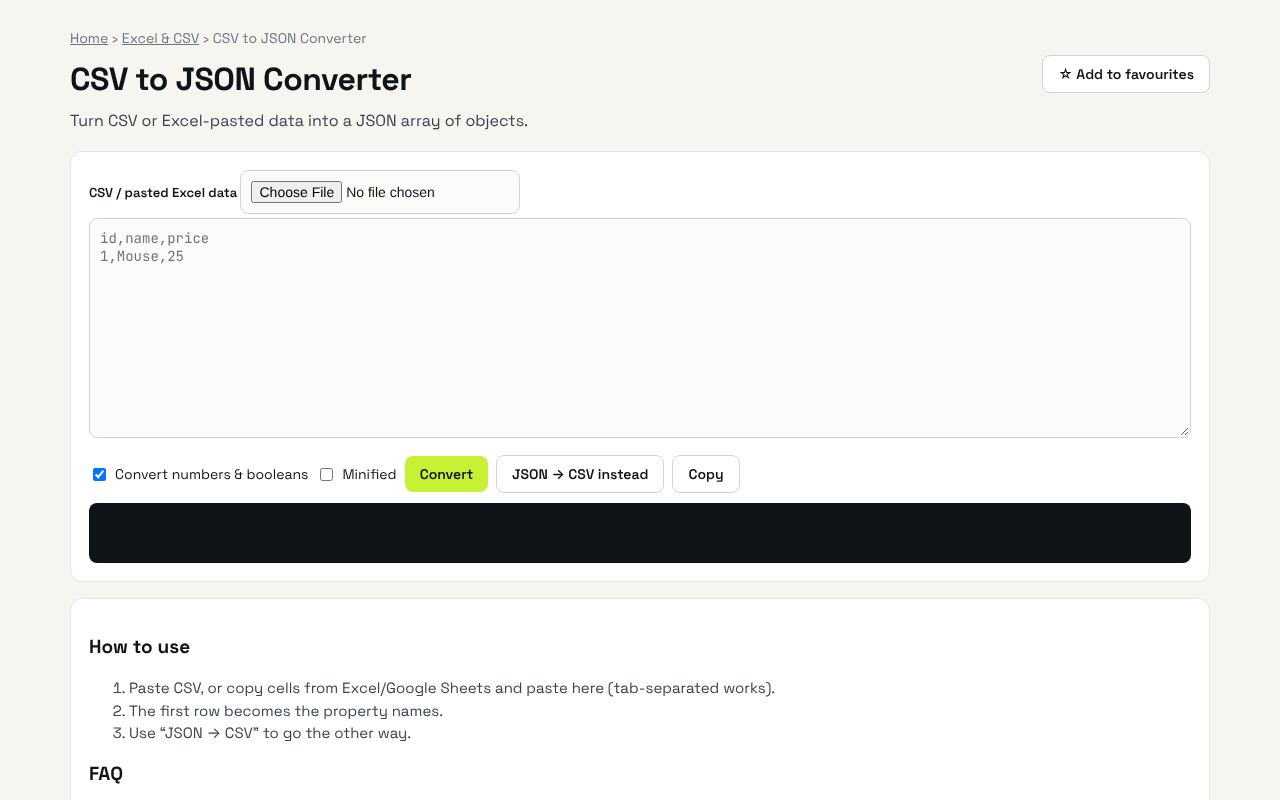
Turn CSV or Excel-pasted data into a JSON array of objects. It's completely free, needs no sign-up and works on any phone or computer.
Why it's helpful
- Turns pasted Excel cells into valid JSON with no formulas or scripts
- Uses your header row as property names automatically
- Perfect for seeding databases, mock APIs and front-end prototypes
Who it's for
Developers, no-code builders and analysts moving data between tools.
How to use it
- Paste CSV, or copy cells from Excel/Google Sheets and paste here (tab-separated works).
- The first row becomes the property names.
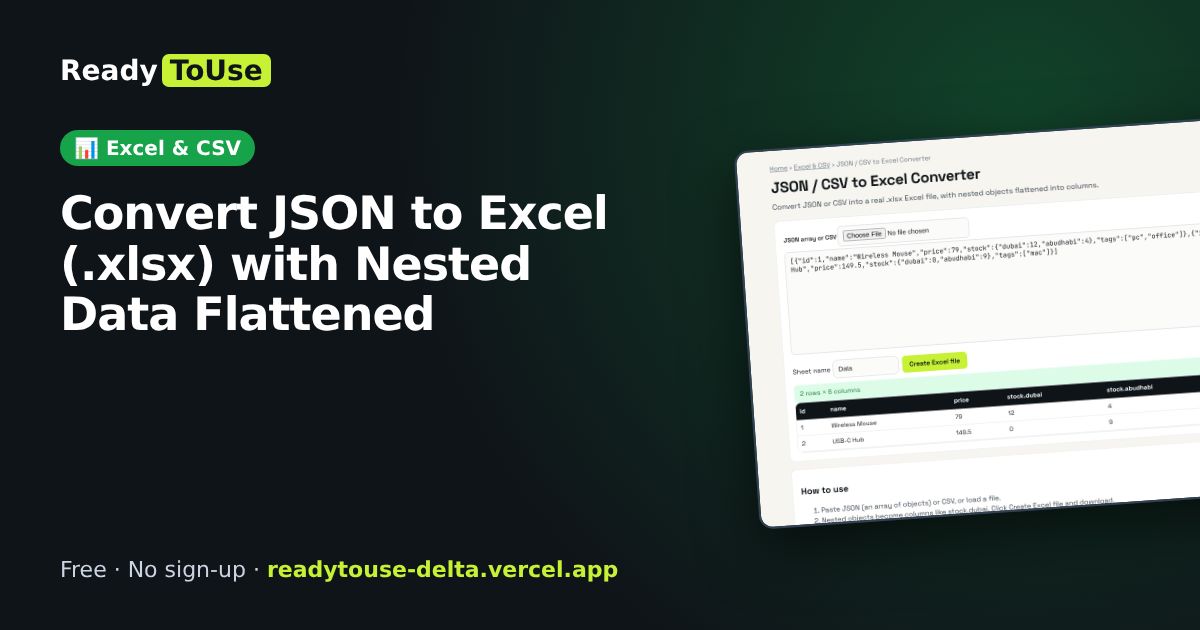
- Use “JSON → CSV” to go the other way.
💻 Open source: this tool is free and open source (MIT License). View the code on GitHub, download it and run it offline.
The bigger picture: Excel & CSV
Spreadsheets still run most offices. Cleaning data, converting formats and understanding formulas are daily tasks that eat hours; the right tool turns them into seconds.
What's changing: Excel and Google Sheets keep adding powerful functions like XLOOKUP, FILTER and LET, plus AI helpers. Knowing the fundamentals makes those features far more useful.
Frequently asked questions
Can I paste from Excel?
Yes — copied Excel cells are tab-separated and detected automatically.
Related guides