Excel Formula Generator: Get the Right Formula Without Memorising Syntax
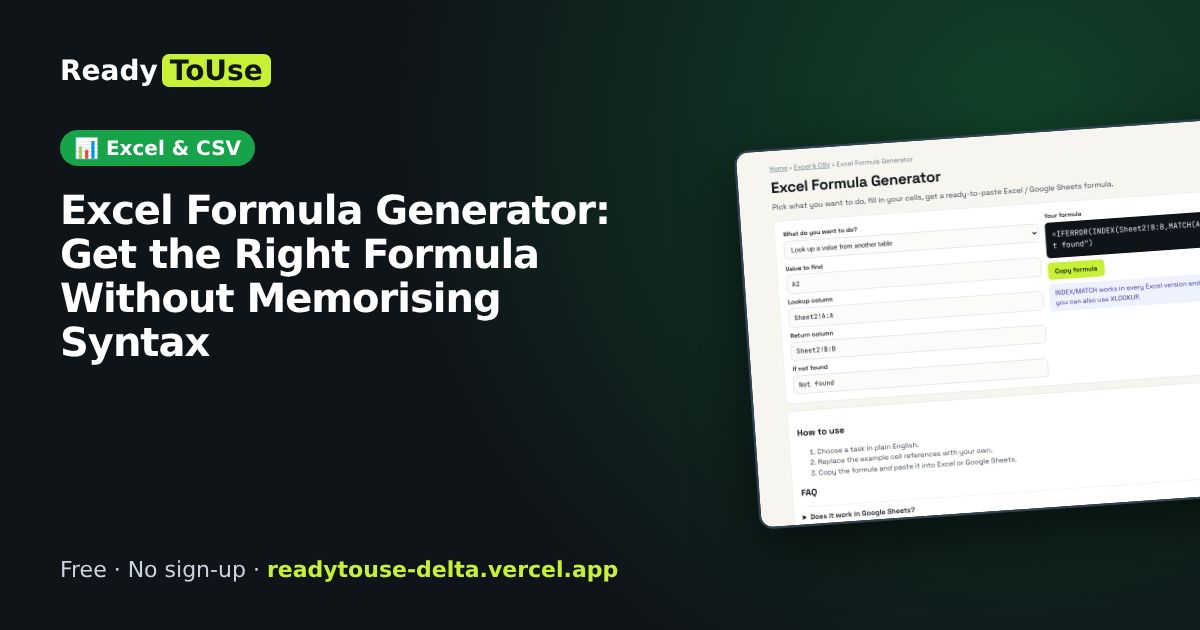
Most people know what they want a spreadsheet to do, just not the exact formula. Pick the task, fill in your cell references and copy a ready-to-paste formula for Excel or Google Sheets.
Open the free Excel Formula Generator →What is the Excel Formula Generator?
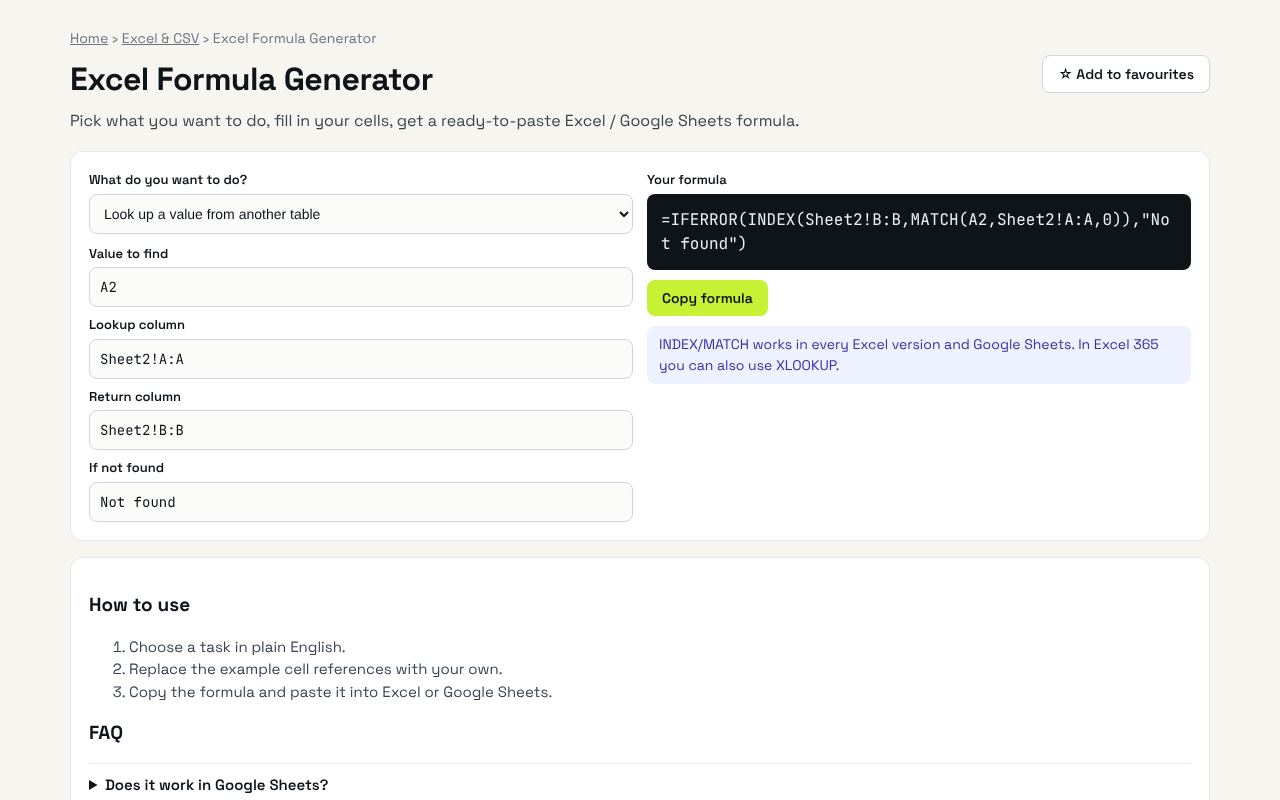
Pick what you want to do, fill in your cells, get a ready-to-paste Excel / Google Sheets formula. It's completely free, needs no sign-up and works on any phone or computer.
Why it's helpful
- Covers everyday tasks like lookups, conditional sums, dates and text cleaning
- Works for both Excel and Google Sheets
- Explains what the formula does so you learn as you go
Who it's for
Office workers, students, small business owners and anyone who lives in spreadsheets.
How to use it
- Choose a task in plain English.
- Replace the example cell references with your own.
- Copy the formula and paste it into Excel or Google Sheets.
💻 Open source: this tool is free and open source (MIT License). View the code on GitHub, download it and run it offline.
The bigger picture: Excel & CSV
Spreadsheets still run most offices. Cleaning data, converting formats and understanding formulas are daily tasks that eat hours; the right tool turns them into seconds.
What's changing: Excel and Google Sheets keep adding modern functions like XLOOKUP, FILTER and LET; learning them saves hours compared with older nested formulas.
Frequently asked questions
Does it work in Google Sheets?
Yes, every formula here works in both Excel and Google Sheets.
Related guides