Convert JSON to Excel (.xlsx) with Nested Data Flattened
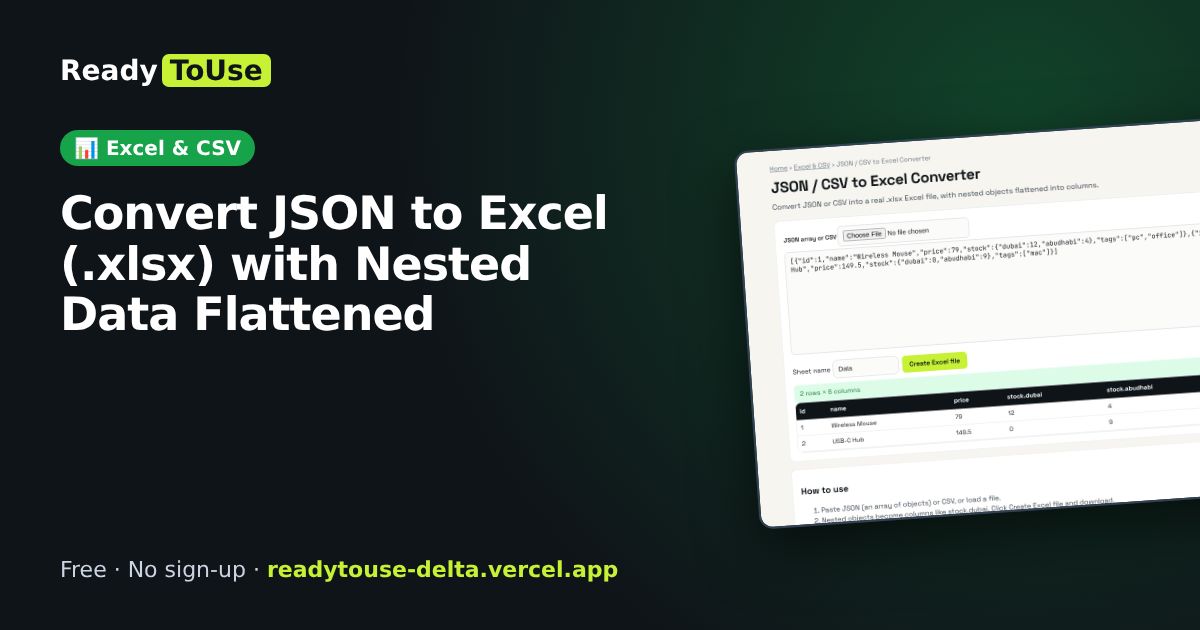
Got JSON from an API but your manager wants Excel? Convert JSON or CSV into a real .xlsx file, with nested objects flattened into columns.
Open the free JSON / CSV to Excel Converter →What is the JSON / CSV to Excel Converter?
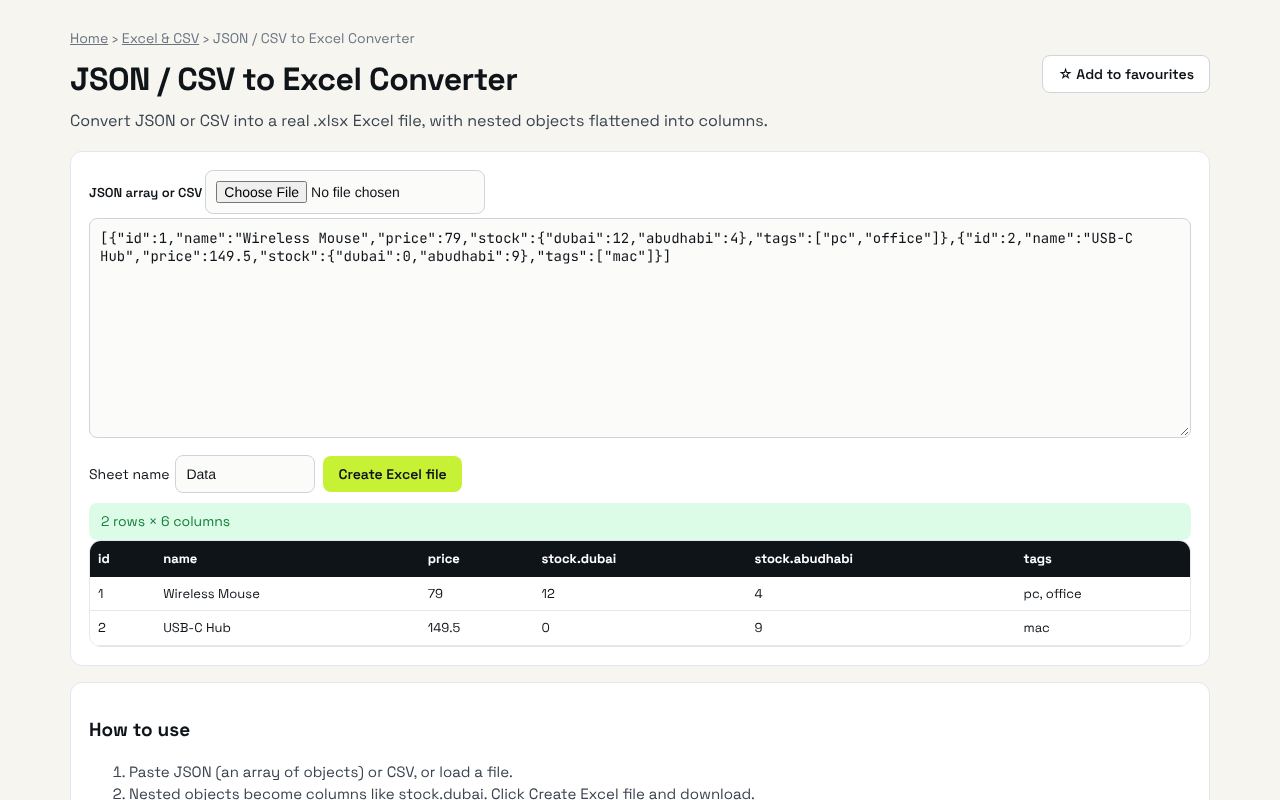
Convert JSON or CSV into a real .xlsx Excel file, with nested objects flattened into columns. It's completely free, needs no sign-up and works on any phone or computer.
Why it's helpful
- Real Excel file output
- Nested objects become columns
- No uploads
Who it's for
Analysts, developers and office teams.
How to use it
- Paste JSON (an array of objects) or CSV, or load a file.
- Nested objects become columns like stock.dubai. Click Create Excel file and download.
💻 Open source: this tool is free and open source (MIT License). View the code on GitHub, download it and run it offline.
The bigger picture: Excel & CSV
Spreadsheets still run most offices. Cleaning data, converting formats and understanding formulas are daily tasks that eat hours; the right tool turns them into seconds.
What's changing: Excel and Google Sheets keep adding powerful functions like XLOOKUP, FILTER and LET, plus AI helpers. Knowing the fundamentals makes those features far more useful.
Frequently asked questions
Is there a row limit?
Excel allows 1,048,576 rows. Very large files depend on your device memory.
Related guides