CSV Column Tool: Merge, Split, Reorder and Delete Columns
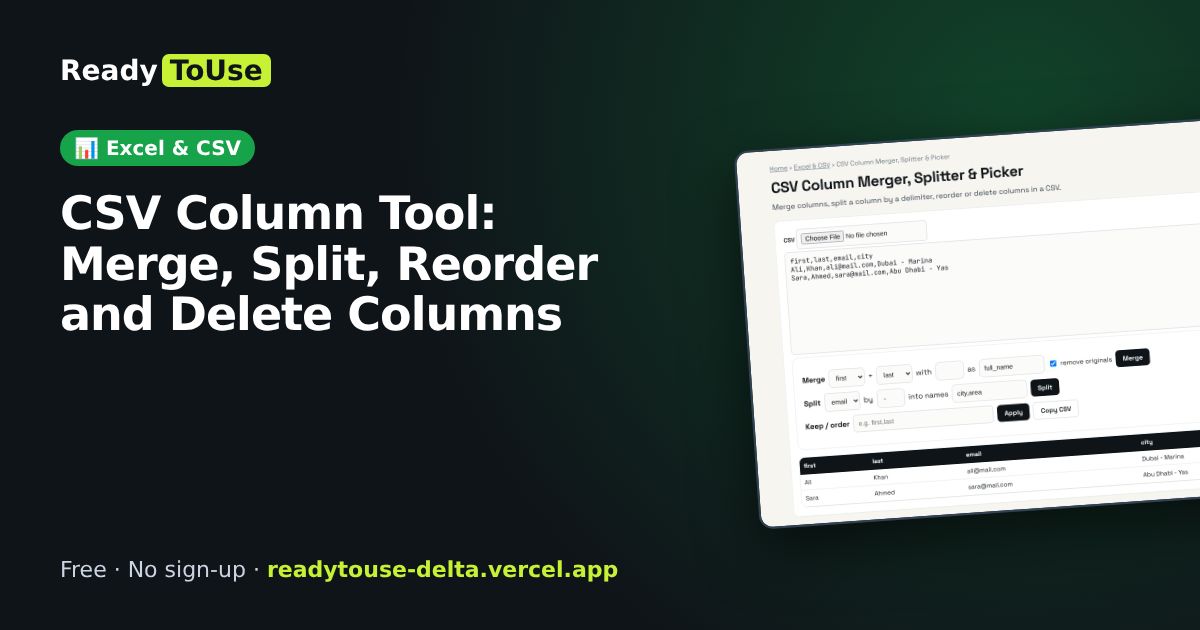
Reshape a CSV without Excel: merge first and last names, split a column by a delimiter, reorder columns or delete the ones you don't need.
Open the free CSV Column Merger, Splitter & Picker →What is the CSV Column Merger, Splitter & Picker?
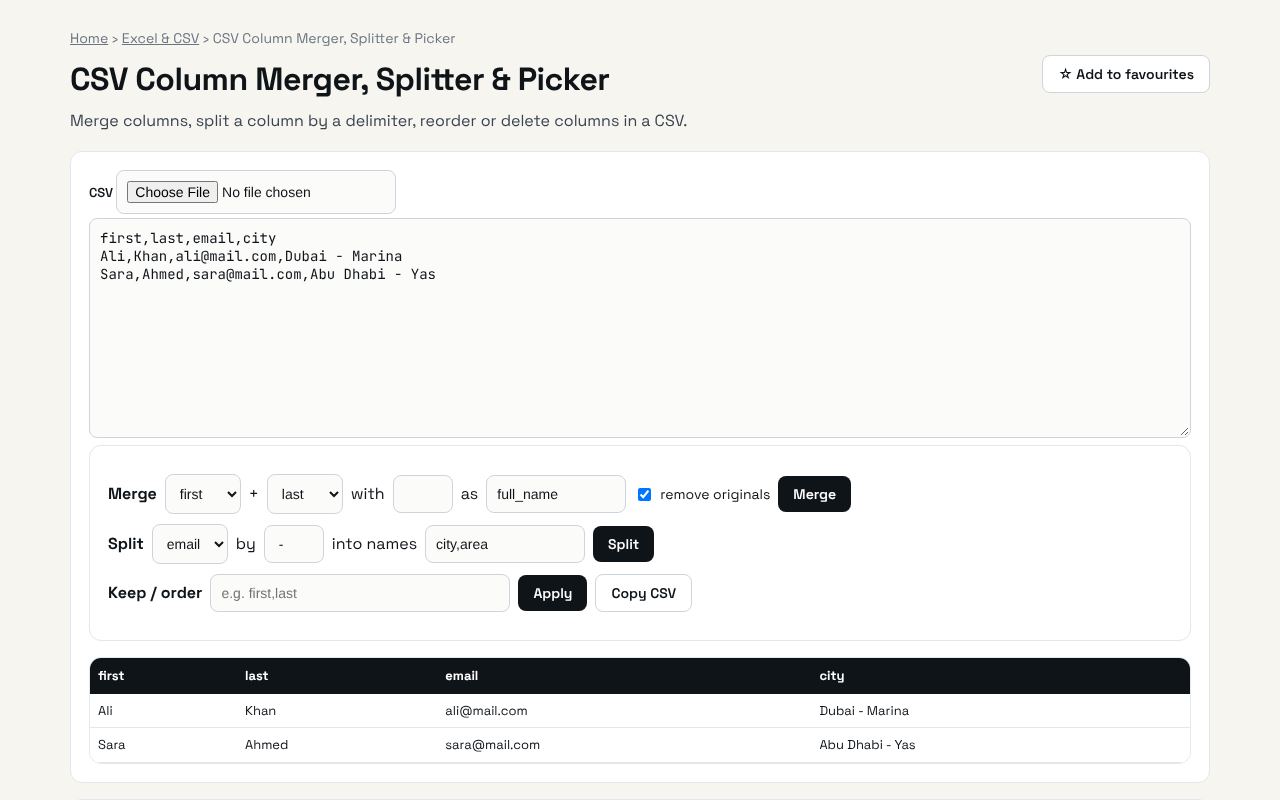
Merge columns, split a column by a delimiter, reorder or delete columns in a CSV. It's completely free, needs no sign-up and works on any phone or computer.
Why it's helpful
- Merge and split columns
- Reorder and delete
- Download the cleaned CSV
Who it's for
Office workers, e-commerce sellers and analysts preparing imports.
How to use it
- Paste a CSV. Merge two columns, split one by a delimiter, or list the columns to keep in order.
- Copy the CSV when you are done.
💻 Open source: this tool is free and open source (MIT License). View the code on GitHub, download it and run it offline.
The bigger picture: Excel & CSV
Spreadsheets still run most offices. Cleaning data, converting formats and understanding formulas are daily tasks that eat hours; the right tool turns them into seconds.
What's changing: Excel and Google Sheets keep adding powerful functions like XLOOKUP, FILTER and LET, plus AI helpers. Knowing the fundamentals makes those features far more useful.
Frequently asked questions
Can I undo?
Edit or re-paste the input to start over.
Use the CSV Column Merger, Splitter & Picker free →
No sign-up · Runs in your browser
Related guides