Excel Formula Explainer: Understand Any Formula Step by Step
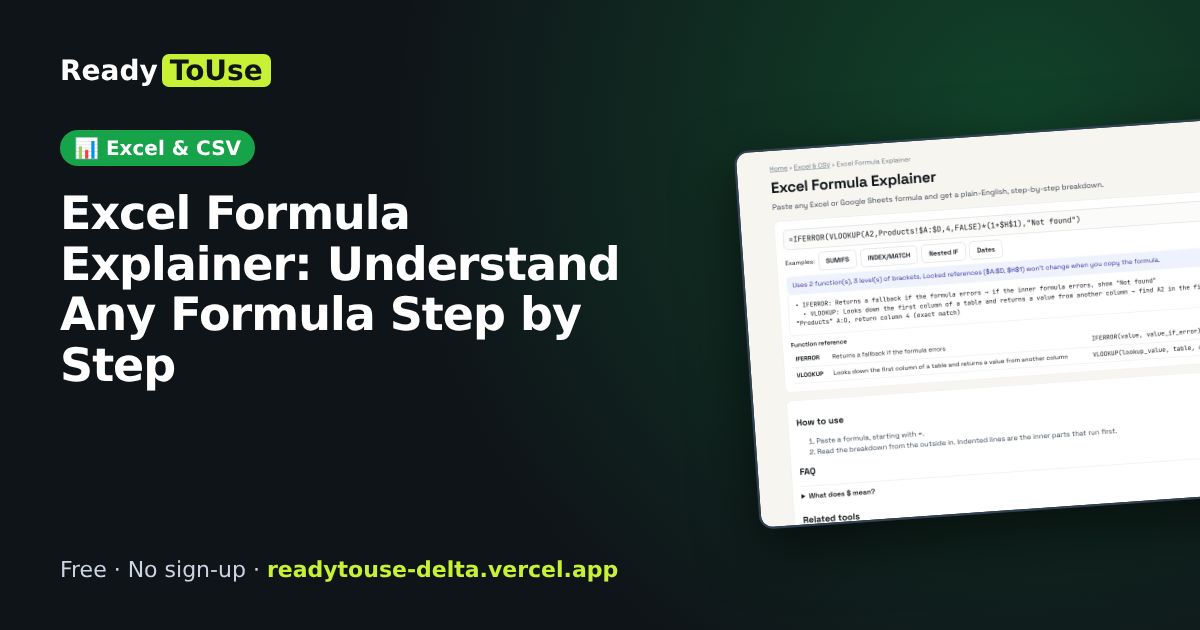
Inherited a spreadsheet full of long nested formulas? Paste one in and get a plain-English, step-by-step explanation of what it does.
Open the free Excel Formula Explainer →What is the Excel Formula Explainer?
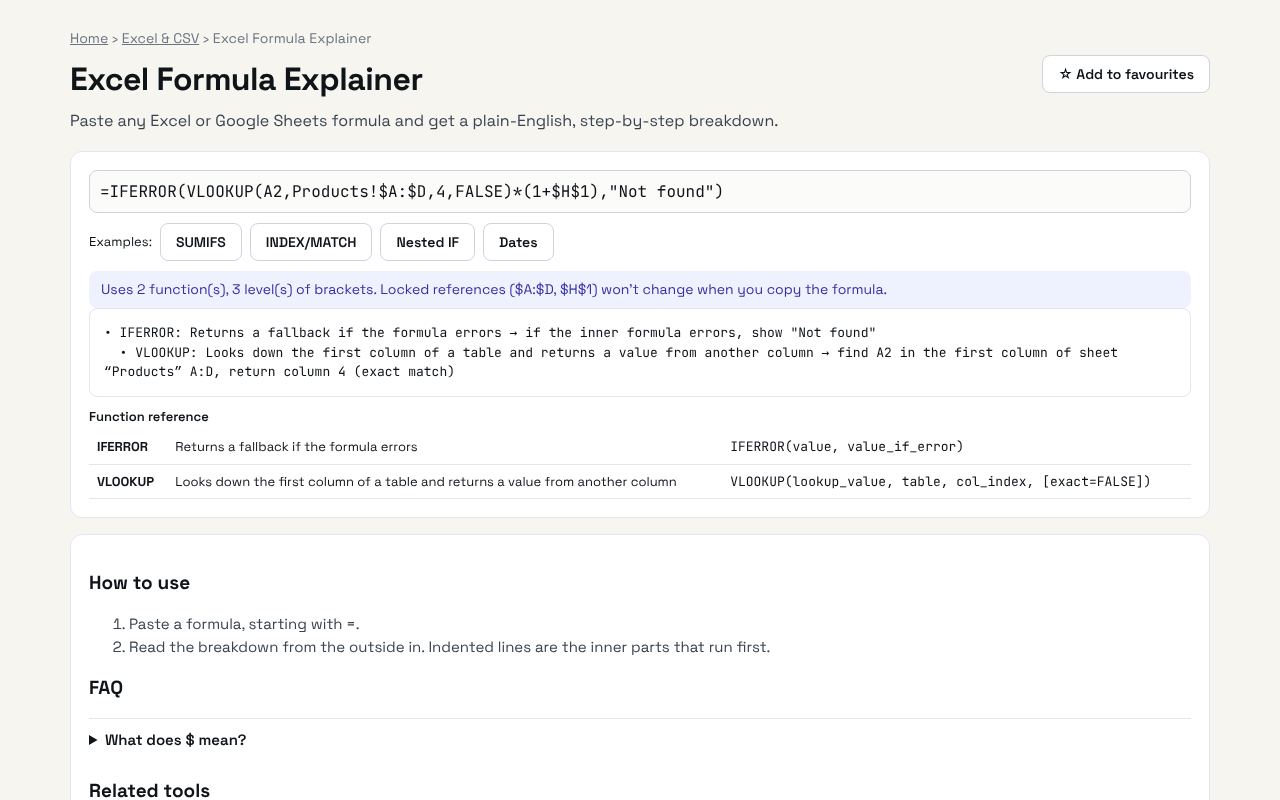
Paste any Excel or Google Sheets formula and get a plain-English, step-by-step breakdown. It's completely free, needs no sign-up and works on any phone or computer.
Why it's helpful
- Breaks formulas into steps
- Explains each function in plain English
- Works for Excel and Google Sheets
Who it's for
Office workers, students and anyone maintaining someone else's spreadsheet.
How to use it
- Paste a formula, starting with =.
- Read the breakdown from the outside in. Indented lines are the inner parts that run first.
💻 Open source: this tool is free and open source (MIT License). View the code on GitHub, download it and run it offline.
The bigger picture: Excel & CSV
Spreadsheets still run most offices. Cleaning data, converting formats and understanding formulas are daily tasks that eat hours; the right tool turns them into seconds.
What's changing: Excel and Google Sheets keep adding powerful functions like XLOOKUP, FILTER and LET, plus AI helpers. Knowing the fundamentals makes those features far more useful.
Frequently asked questions
What does $ mean?
It locks the column or row, so it stays the same when you copy the formula to other cells.
Related guides