Pivot Table Tool: Summarise CSV Data Like Excel
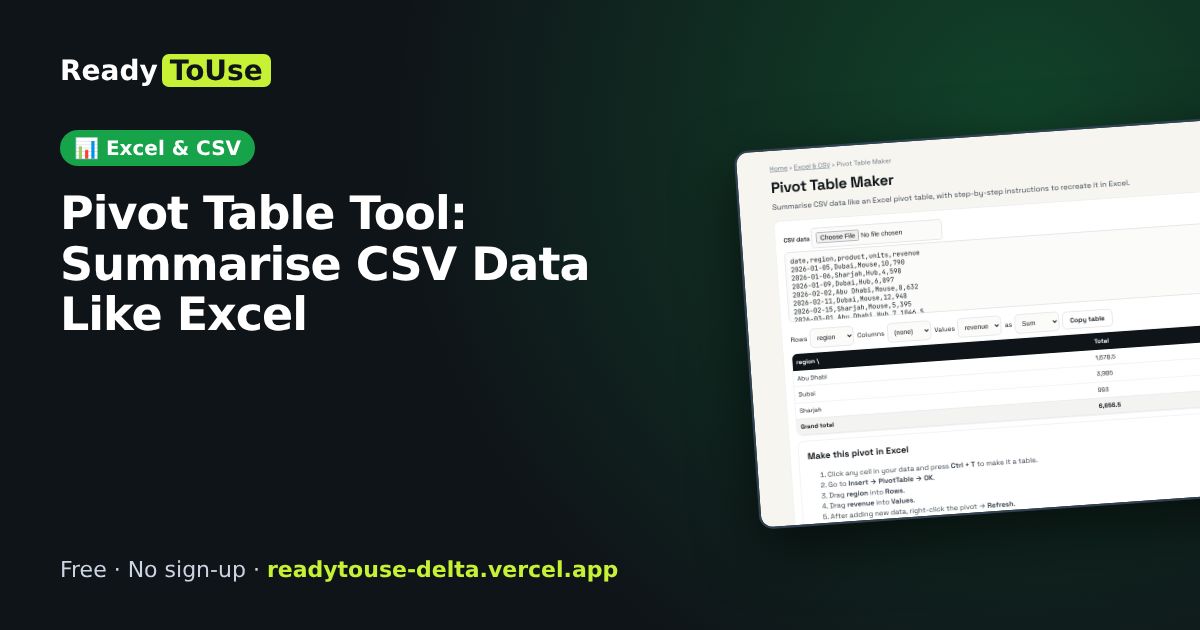
Paste CSV data and summarise it by any column, like an Excel pivot table, with step-by-step instructions to recreate it in Excel.
Open the free Pivot Table Maker →What is the Pivot Table Maker?
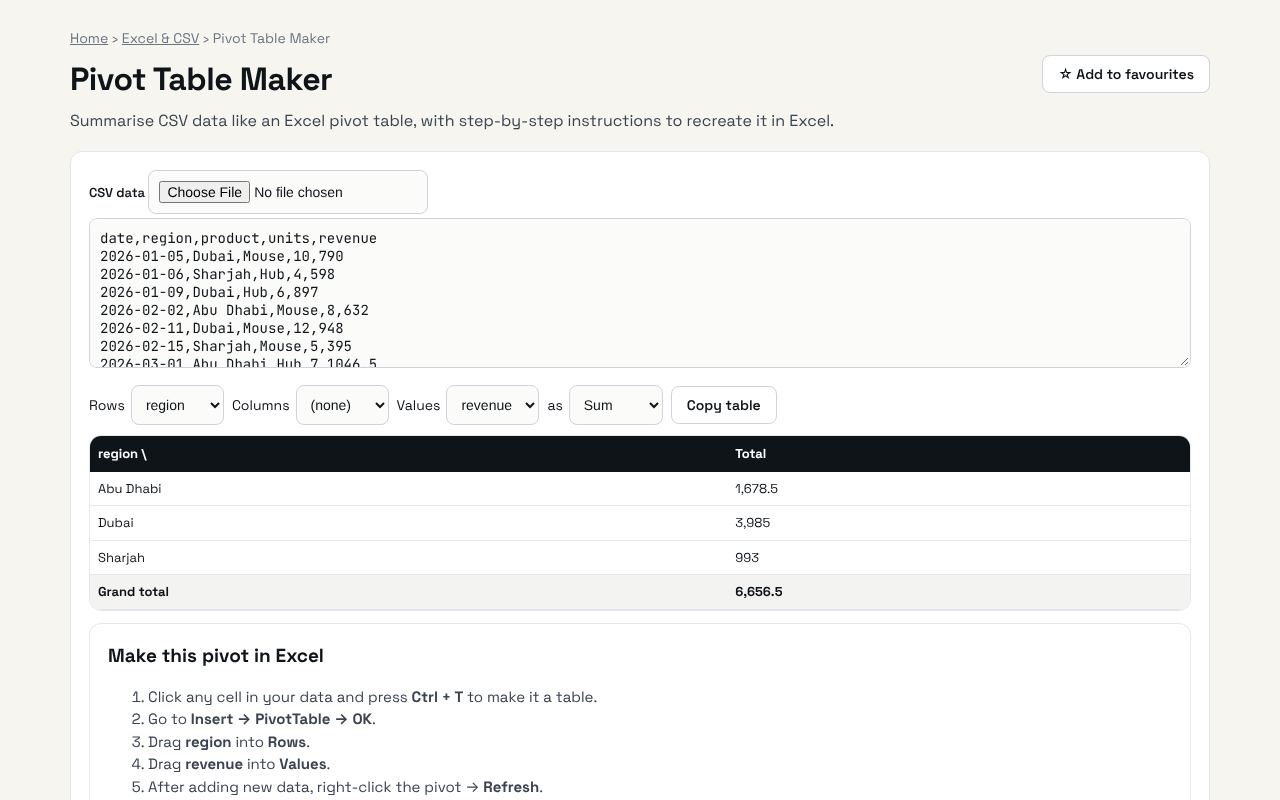
Summarise CSV data like an Excel pivot table, with step-by-step instructions to recreate it in Excel. It's completely free, needs no sign-up and works on any phone or computer.
Why it's helpful
- Group, sum, count and average
- Learn how to build it in Excel
- No spreadsheet software needed
Who it's for
Analysts, managers and students.
How to use it
- Paste CSV data with a header row.
- Choose rows, columns, values and summary type. Copy the table or follow the steps to build it in Excel.
💻 Open source: this tool is free and open source (MIT License). View the code on GitHub, download it and run it offline.
The bigger picture: Excel & CSV
Spreadsheets still run most offices. Cleaning data, converting formats and understanding formulas are daily tasks that eat hours; the right tool turns them into seconds.
What's changing: Excel and Google Sheets keep adding powerful functions like XLOOKUP, FILTER and LET, plus AI helpers. Knowing the fundamentals makes those features far more useful.
Frequently asked questions
Can it do several value fields?
Not yet. Pick one value at a time.
Related guides