Text to Columns Online: Split Text by Delimiter or Fixed Width
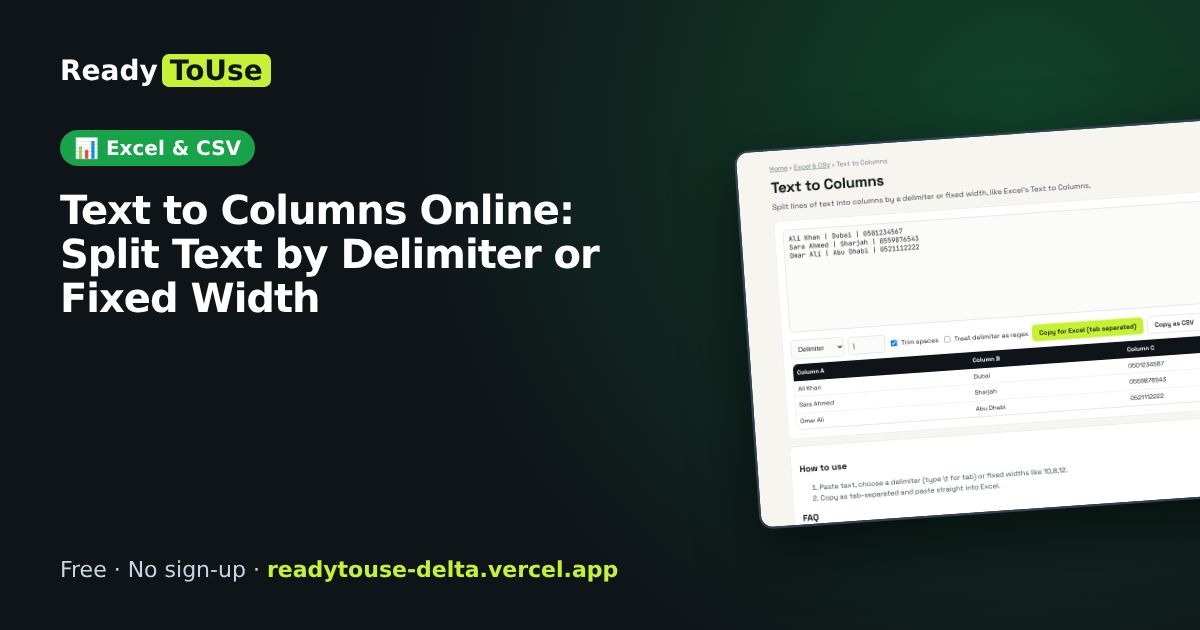
Split lines of text into columns by comma, tab, pipe or a fixed width, just like Excel's Text to Columns, and copy the result straight into a spreadsheet.
Open the free Text to Columns →What is the Text to Columns?
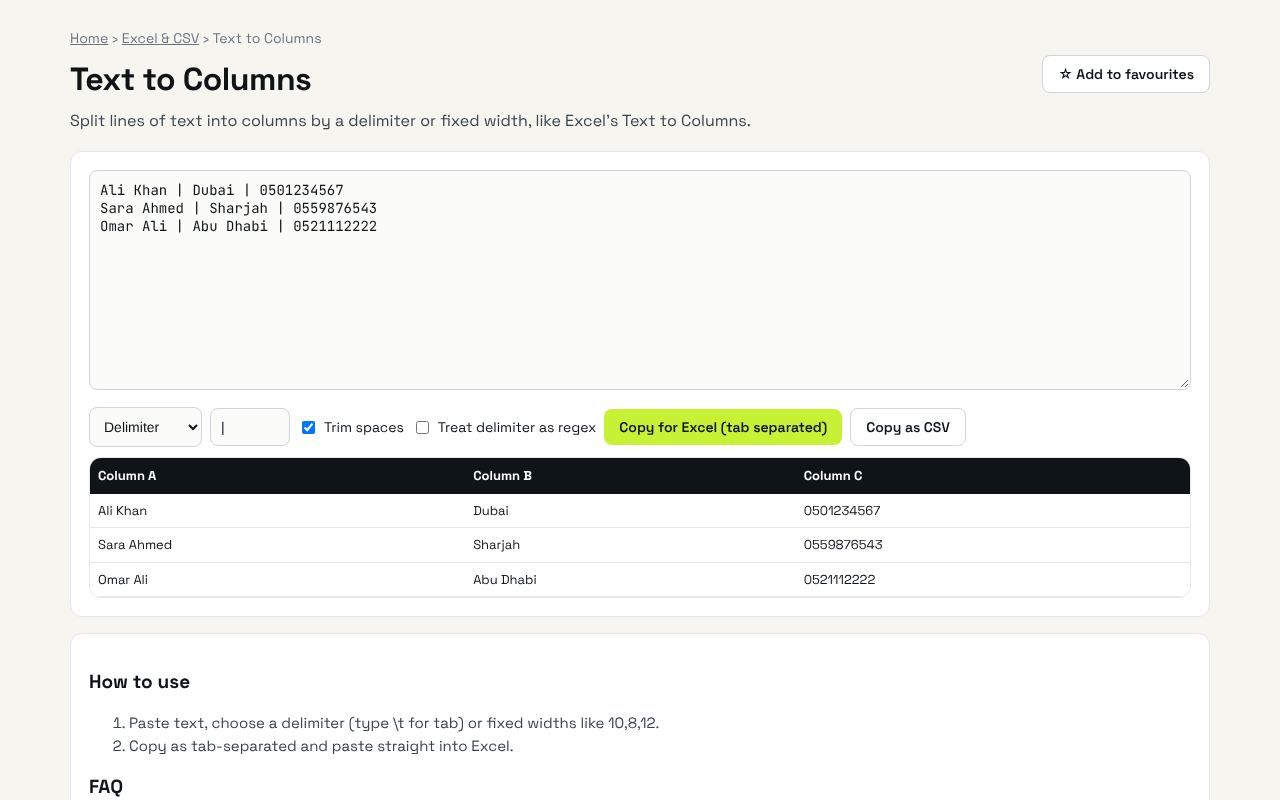
Split lines of text into columns by a delimiter or fixed width, like Excel's Text to Columns. It's completely free, needs no sign-up and works on any phone or computer.
Why it's helpful
- Delimiter or fixed-width splitting
- Preview before copying
- Paste straight into Excel or Sheets
Who it's for
Office workers, analysts and anyone cleaning exported data.
How to use it
- Paste text, choose a delimiter (type \t for tab) or fixed widths like 10,8,12.
- Copy as tab-separated and paste straight into Excel.
💻 Open source: this tool is free and open source (MIT License). View the code on GitHub, download it and run it offline.
The bigger picture: Excel & CSV
Spreadsheets still run most offices. Cleaning data, converting formats and understanding formulas are daily tasks that eat hours; the right tool turns them into seconds.
What's changing: Excel and Google Sheets keep adding powerful functions like XLOOKUP, FILTER and LET, plus AI helpers. Knowing the fundamentals makes those features far more useful.
Frequently asked questions
Why tab separated?
Excel splits tab-separated text into columns automatically when you paste.
Related guides